Launch your career as an artist
Published on 02/06/2020 in Start Like A Pro
As a starter you want to make an indelible first impression, just as if you were on a date. You can do this by paying special attention to your graphic communication. A nice logo, a modern house style, a neatly designed business card... With these handy online tools you don’t need four years of formal training to create eye-catching designs.
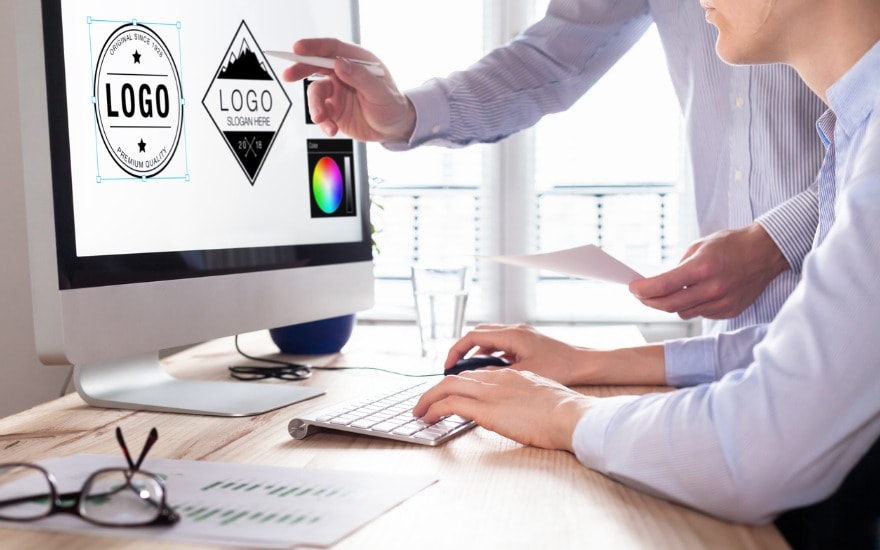
There are a bunch of tools you can use to take your marketing to the next level. Nowadays you can find loads of free online aids to make dazzling visuals: from templates across browser extensions to online photo programs. But if you really want your business to get off to a flying start there are some things you need to work out for yourself first.
Think for a minute. What is the visual identity of your business? What does your logo look like? Are there certain colours you associate with your company? Efficient professional use of visual elements gives your business a strong branding. These are the things your potential customers will get to see, recognise and associate with your company so it can’t hurt to develop a strategy.
If you yourself are not a designer then designing is a time- and money-consuming task. And perhaps you don’t really have the budget to call on a professional. The following online tools can help you make strong visual content, not just for yourself but perhaps also for your customers.
1. Canva
Canva is kind of a Swiss pocket knife for graphic designers. Whatever you need you will undoubtedly find it here. The more you pay for the tool, the better its functionality. In the free version you get a basic drag tool, access to templates and two folders with a storage capacity of 1GB.
In the Pro version you can collaborate with teams, you get 100GB of storage as well as access to some 4 million photos, illustrations and pictograms. Finally, the Enterprise version is aimed at teams of more than 5 individuals. You get access to all functions and support for your company.
Discover more on: canva.com
2. Snappa
Snappa is a powerful graphic editing program that is incredibly user-friendly. A simple drag-and-drop function is all you need to create impressive images in no time. Adding effects is as easy as moving a slider from left to right. In addition, you can make a choice from more than 3 million photos and 100,000 illustrations in a library that can also be used for commercial purposes. Also really handy: rescaling images for online use. Moreover, you can post your design on social media with a single click.
Discover more on: snappa.com
3. Stencil
Stencil offers roughly the same functions as the previous two programs but the main advantage here is that you can add a Stencil plug-in for just about every web browser. With Stencil on your Chrome or Firefox you can immediately start to create from anywhere you like. The same feature on WordPress creates jaw-dropping websites and stunningly beautiful blogs.
Discover more on: getstencil.com
4. Design Bold
According to Design Bold the era of the visual culture is causing a shift to social media with a high degree of visual content. That is why this online company makes designing so easy that you need just 5 minutes to guarantee an amazing result. Learn how to speak a universal language through images that tell a story or convey a message. To your customers too, of course. The very extensive forum includes First Aid for Design accidents.
Discover more on: designbold.com
We wish you loads of designing fun!
For even more expert advice, interesting links or suggestions for tools to guide you step by step as a Starter, please visit Start Like A Pro.
Start Like A ProStart Like A Pro
Relevant tips and links will support and guide you, so you can get started in the best possible conditions