Two factor authentication (2FA)
To protect your Call Connect account from unauthorized access, we recommend that you enable two-factor authentication (2FA).
This feature, which is free and easy to set up, greatly enhances the security of your account.
Why enable 2FA?
- Adds an extra layer of security to your account, in addition to the password.
- Helps prevent fraud and unauthorized transactions
- Protects your communications and sensitive information
How do I enable 2FA?
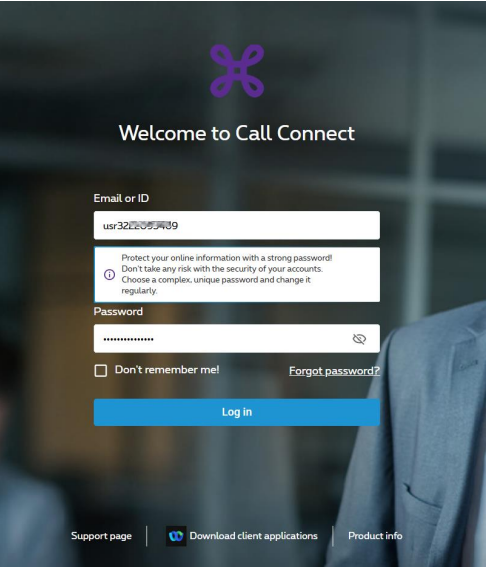
1. Log in to your Call Connect account
2. Click the user icon in the top right corner of the screen.
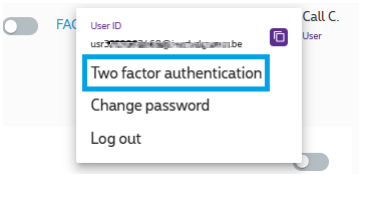
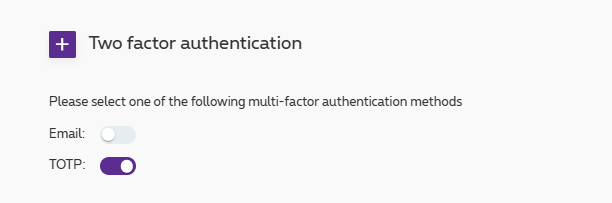
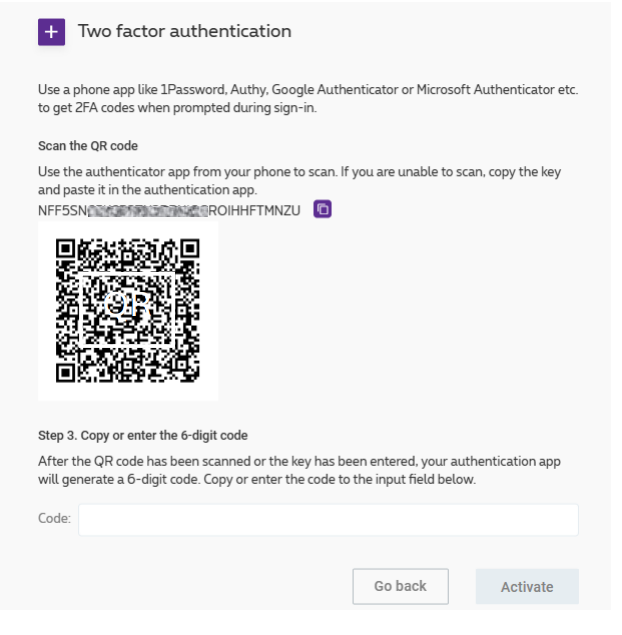
3. Enable two-factor authentication (TOTP) and follow the on-screen instructions
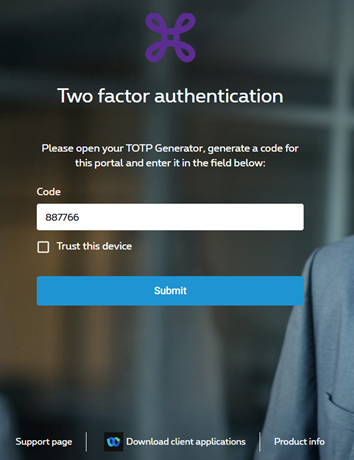
The next time you connect to Call Connect
Enter your username and password,
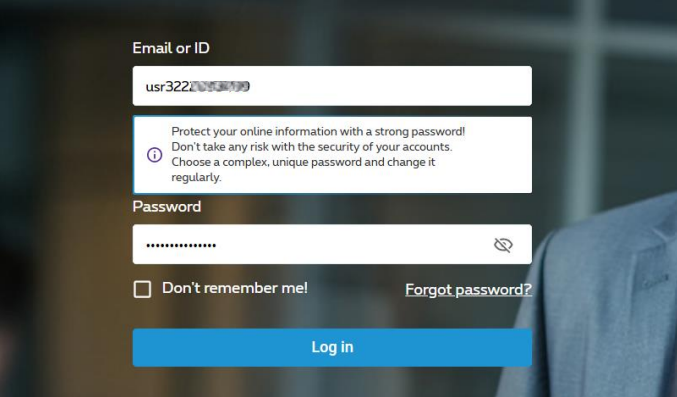
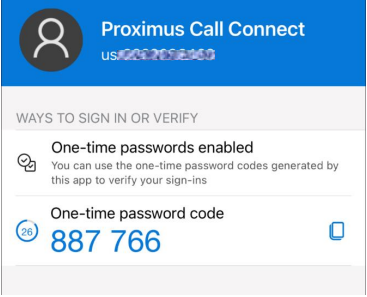
And enter the code displayed in your authenticator app