- Open the App Store or Google Play Store
- Search for Proximus
- Download the app
- Sign in with itsme® or your MyProximus account
Proximus app
Always there, for you
Everything Proximus starts here
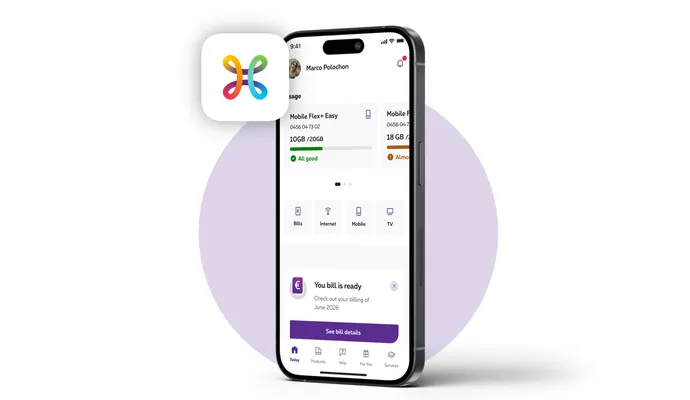
Need to check your bill, see how much data you have left, or make a quick change to your account?
With the Proximus app, everything you need is right at your fingertips. Stay in control of your products and services, keep track of your usage, and get help whenever you need it, all in one convenient place.
Your Proximus world, always within reach. Trusted by more than 1 million customers.
Always there, for you
Available 24/7
Everything you need to manage your Proximus services, anytime any place.
Tailored to you
Get personalised content, recommendations and support based on your needs and interests.
Your security comes first
Manage your Proximus services with confidence, knowing your personal information is protected.
Get more with the Proximus app
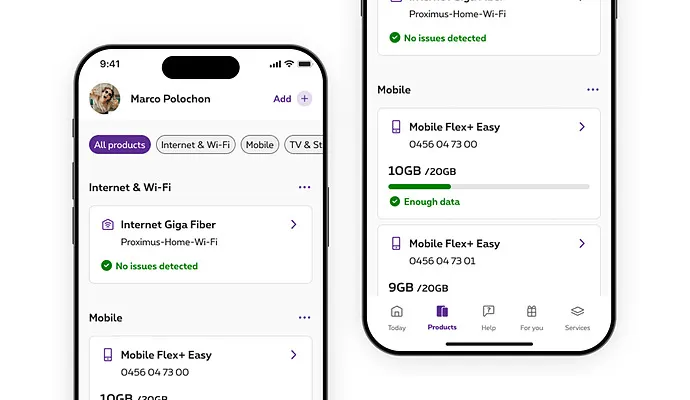
Easily manage your Proximus products and services
The Proximus app gives you a clear view of what matters and makes everyday management of your telecom. Useful notifications keep you informed, so you know when something needs your attention.
Everything under control. More peace of mind.
With the Proximus app, you can:
- View your Proximus products and services
- Track your usage and costs in real time
- Check and pay your invoices
- Adjust options and services
Get help and guidance in the Proximus app
Got a question? The Proximus app makes it easy to find answers, get expert help and stay informed whenever you need it.
From clear explanations and personalized recommendations to step-by-step guidance, you can quickly find the right solution and move forward with confidence.
The right help. Right when you need it.
With the Proximus app, help is always within reach:
- Answers and assistance via the digital assistant
- If needed, get help from a Proximus expert
- Personalized help and recommendations
- Useful tips and insights on AI, online security and technology
Your customer benefits only in the Proximus app
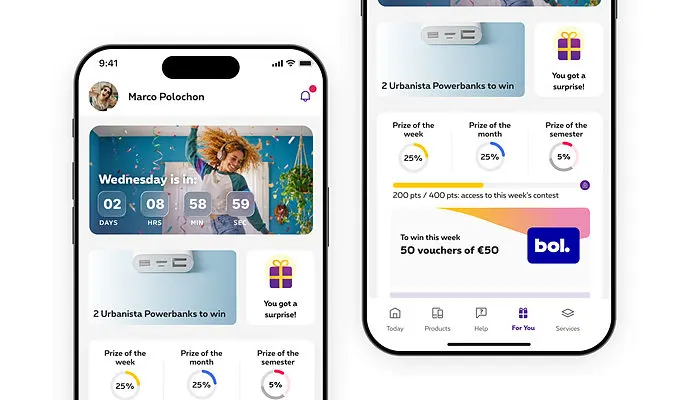
A little extra for Proximus customers? You’ll find it in For You. Check the Proximus app regularly and discover what we have in store for you: gifts, deals, exclusive events, and great prizes to win through the For You game.
Being a Proximus customer comes with extras.
What’s waiting for you?
- For You is exclusively available in the Proximus app
- Exclusive benefits reserved for Proximus customers
- New rewards, offers and surprises every Wednesday
- A variety of benefits tailored to different interests
Employees with company-paid mobile subscriptions and prepaid customers cannot benefit from the advantages of Proximus for You.
More than 1 million customers use the Proximus app
Everything Proximus, in one secure and trusted place.
Question about the Proximus app?
Yes. The Proximus app lets you view your invoices, understand your charges and pay your bill securely.
Yes. You can monitor your mobile data, calls and other usage information directly in the app.
Yes. The app provides help, guidance, and clear, easy-to-understand details about your products and services anytime you need.
Yes. The app is the safest place to manage your Proximus account. Find all your official information, bills and services in one secure place, helping you avoid phishing attempts, scam calls and fraudulent messages.
Yes. You can use the Proximus app for your work mobile.