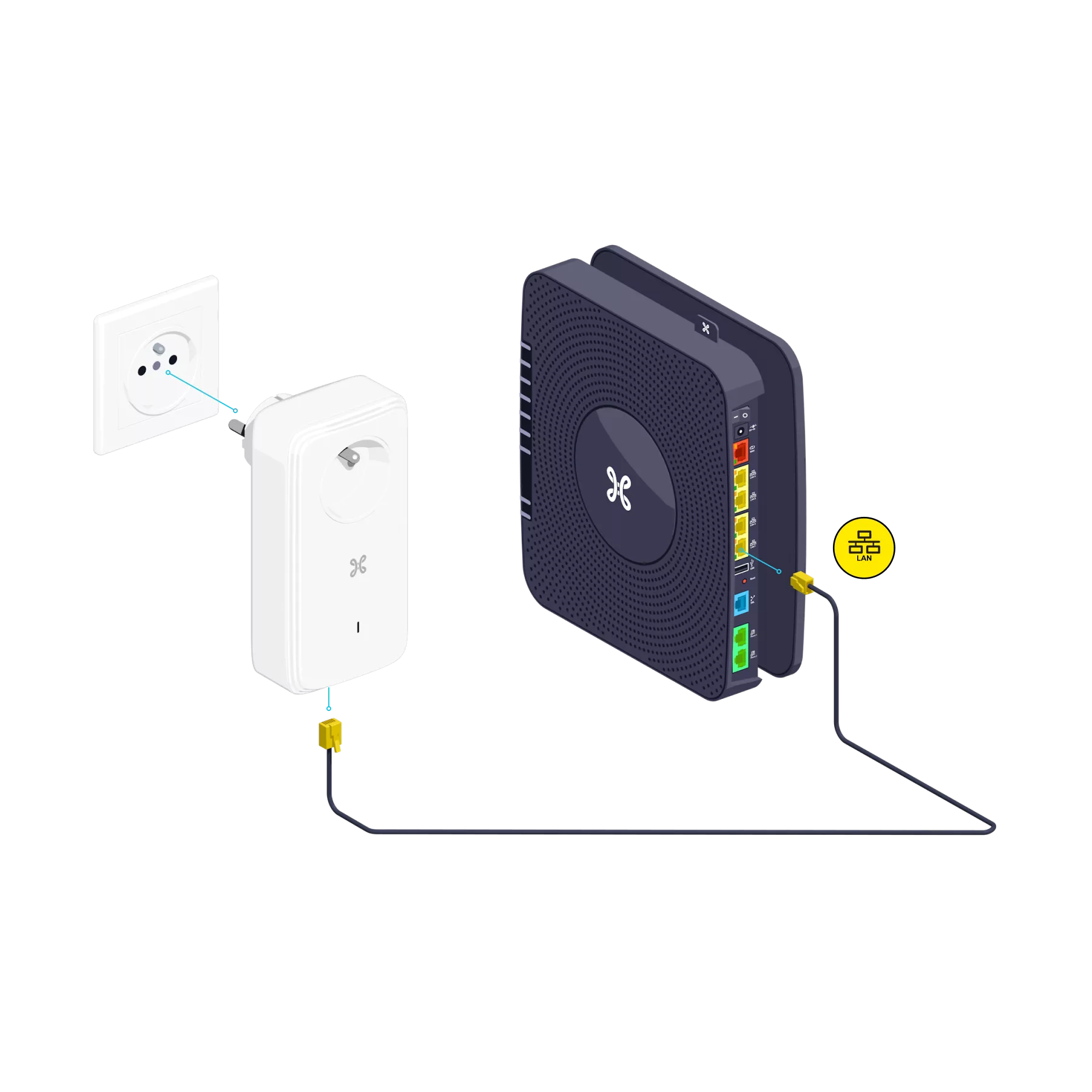
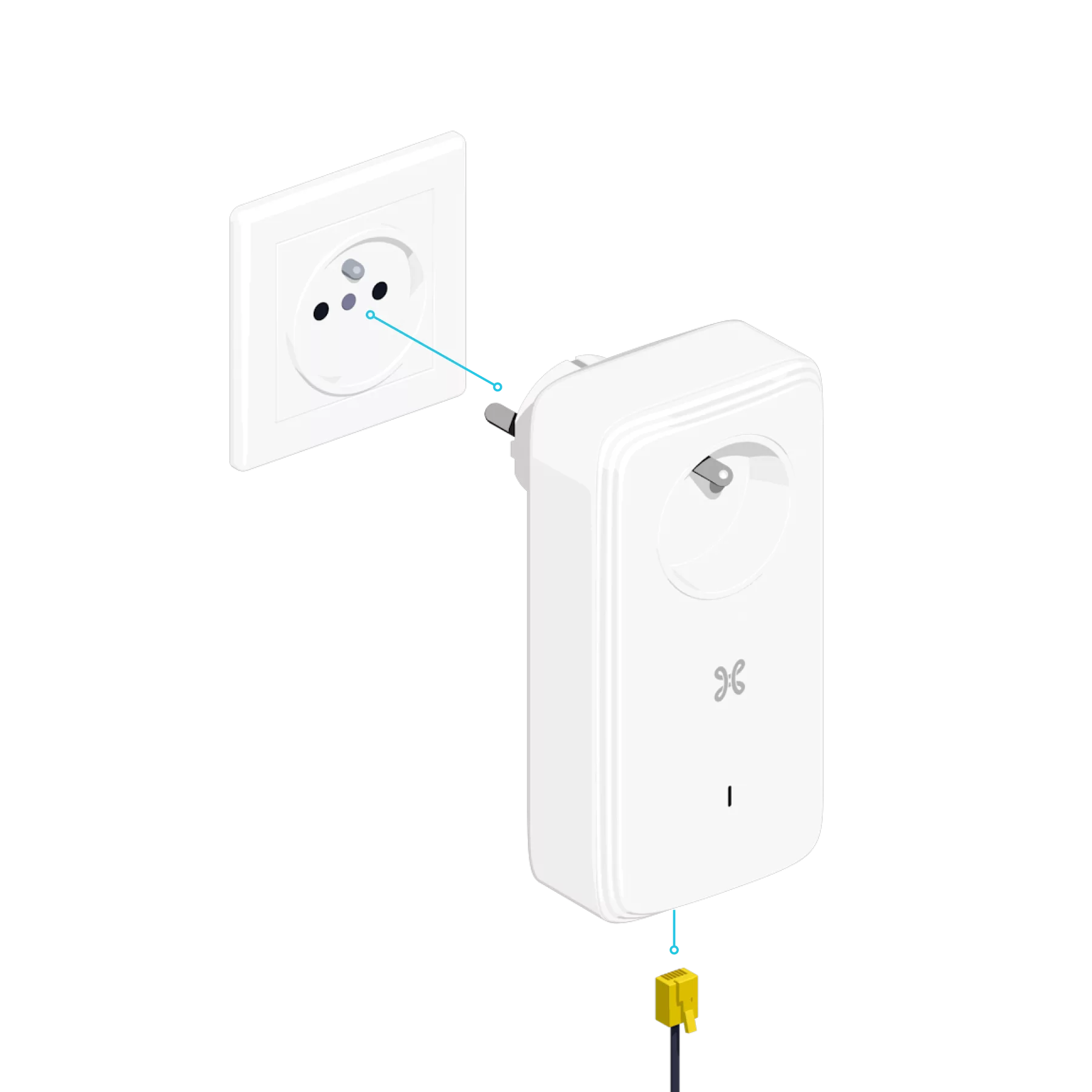
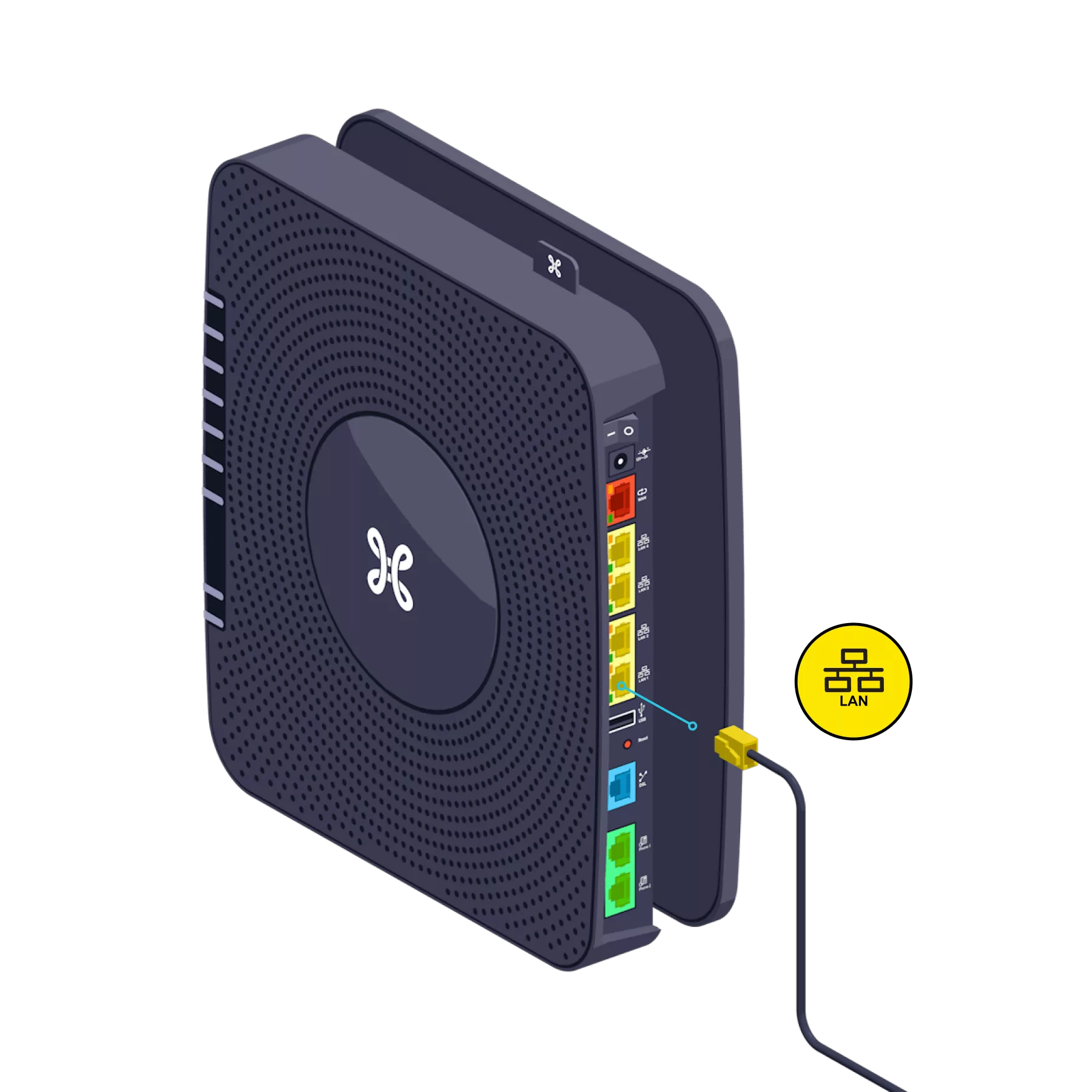
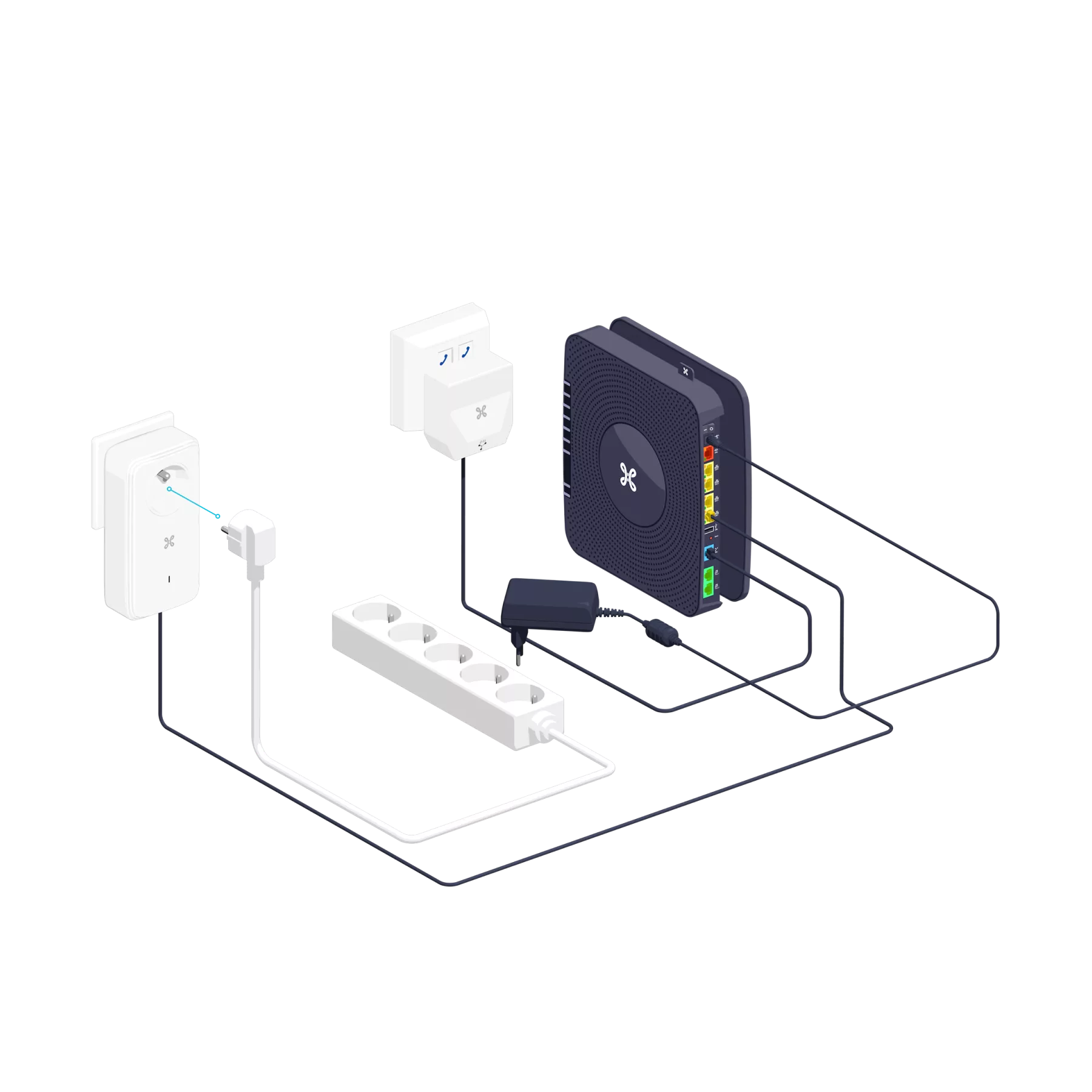
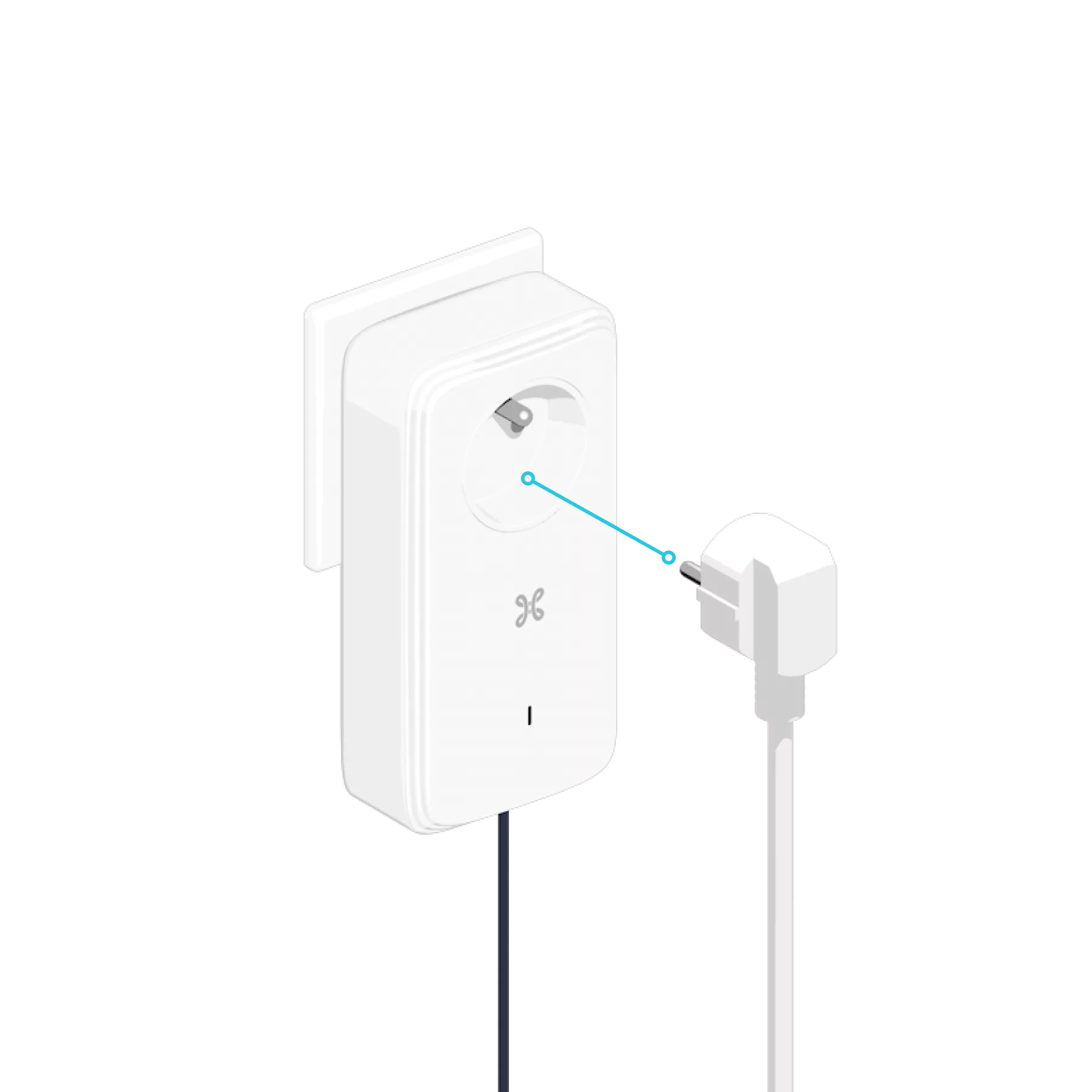
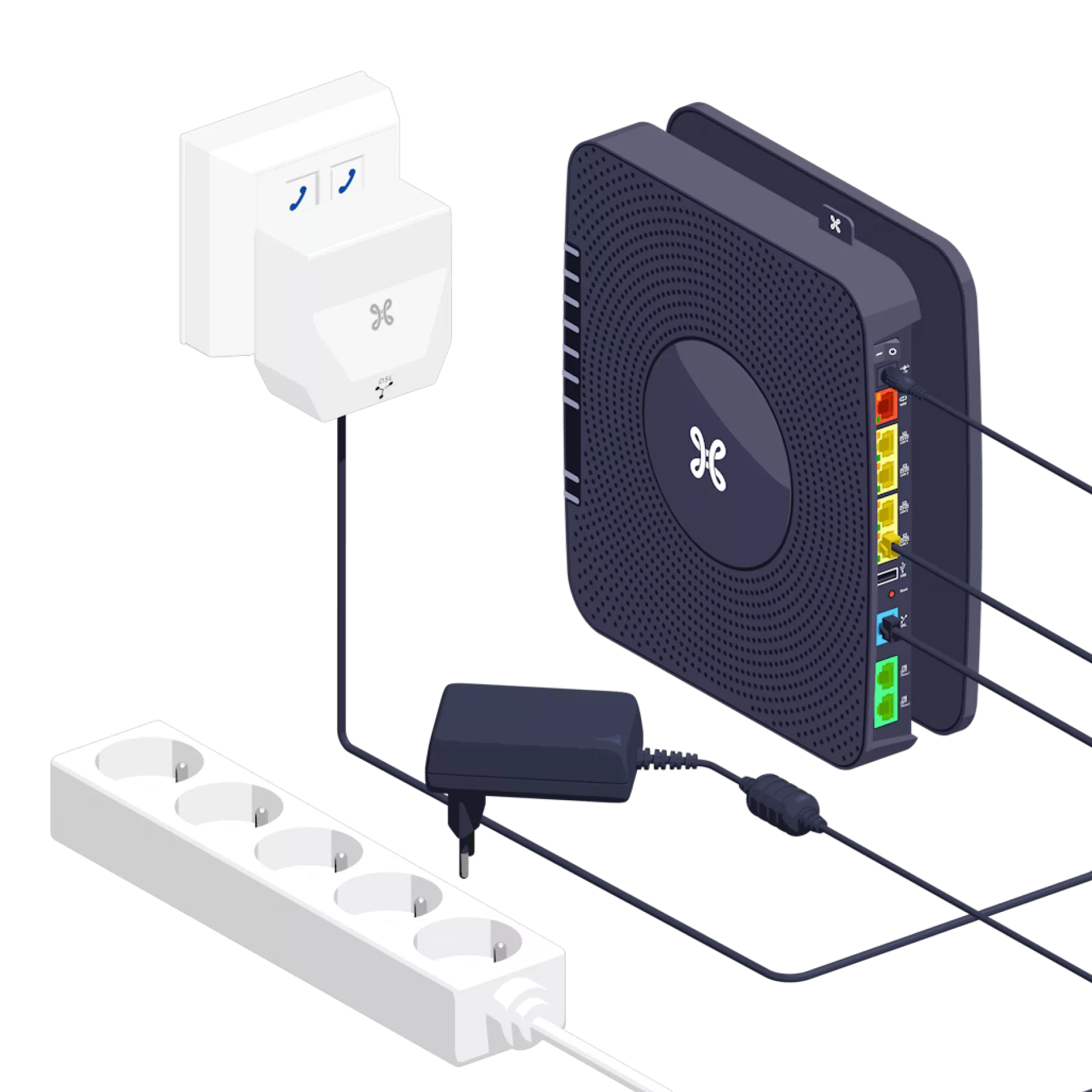
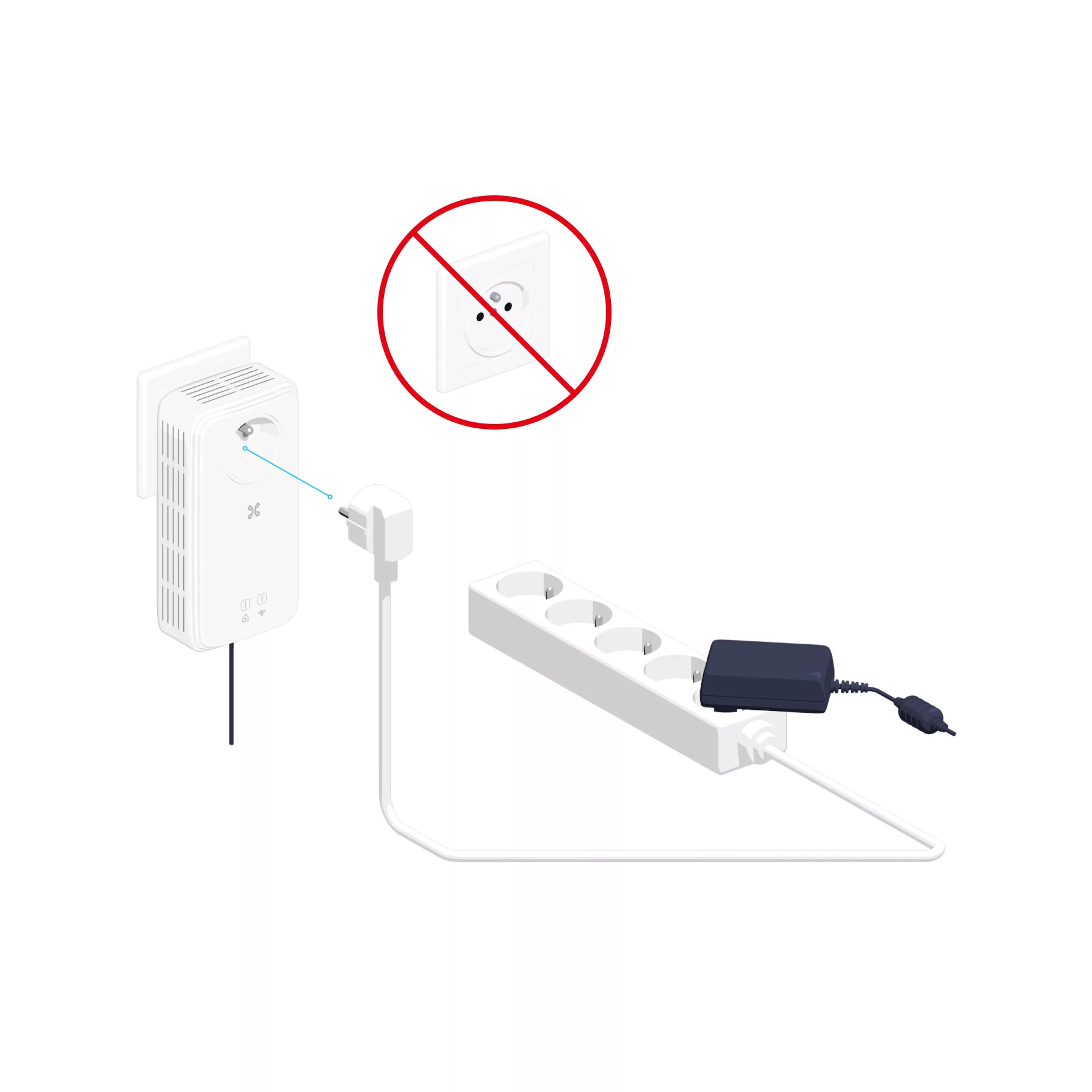
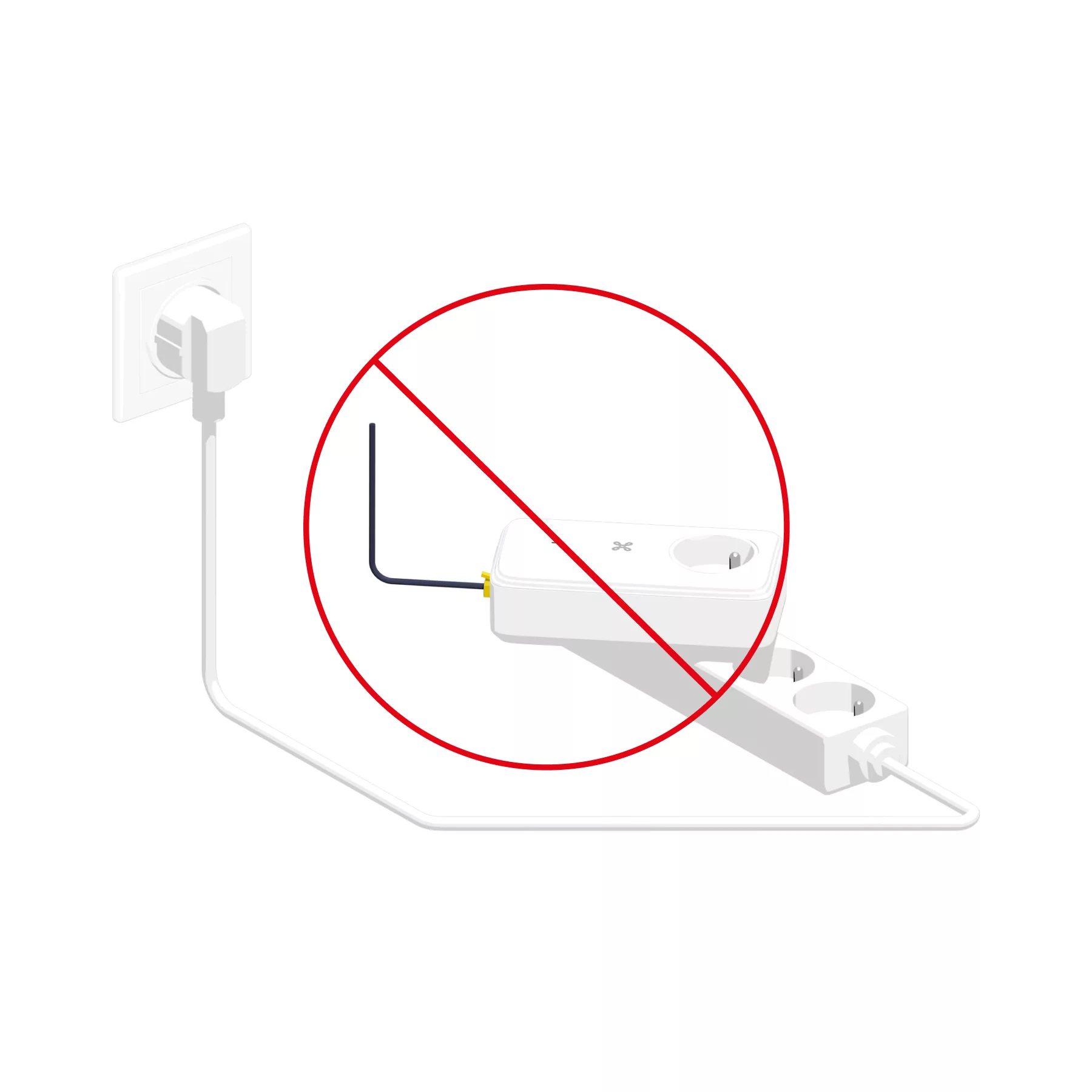
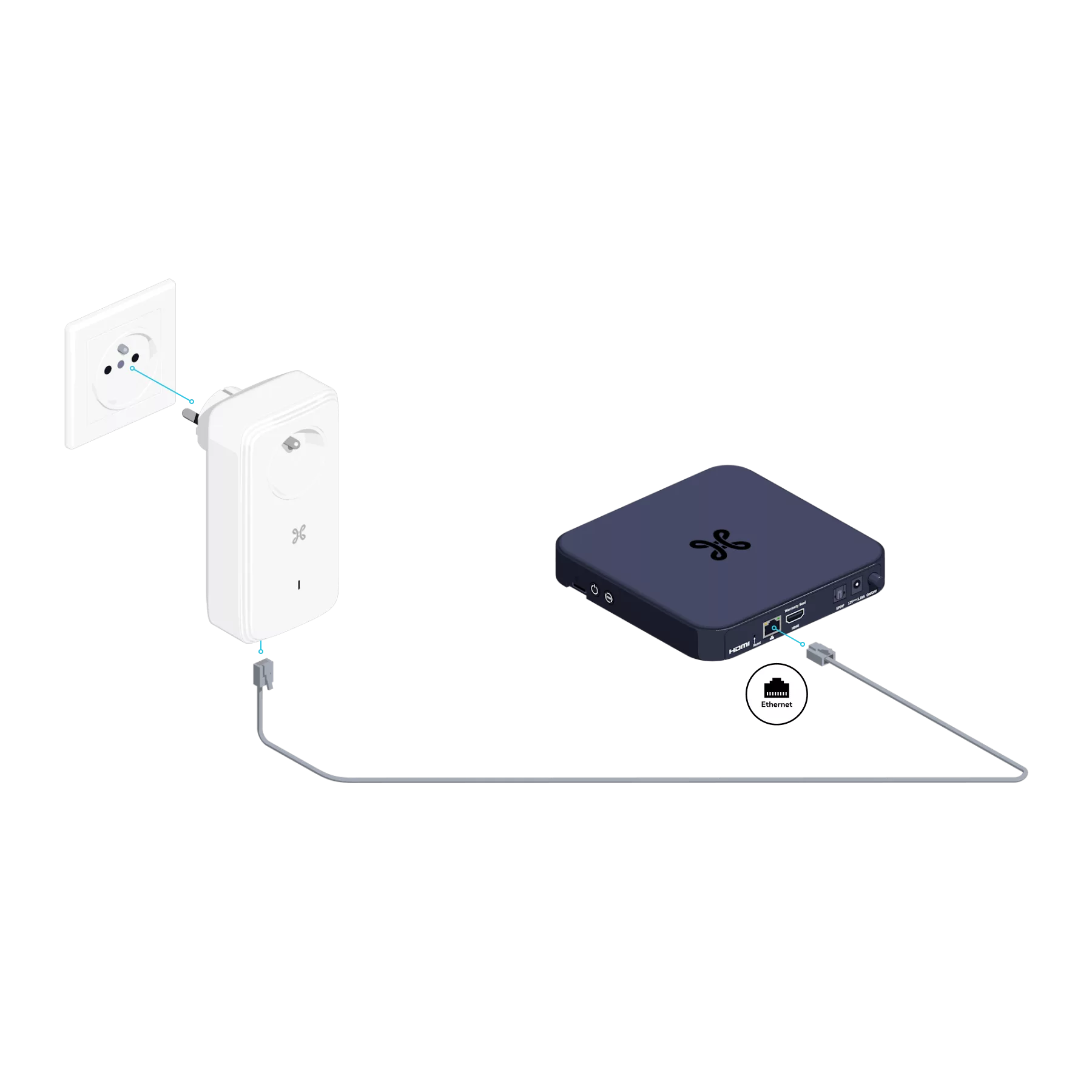
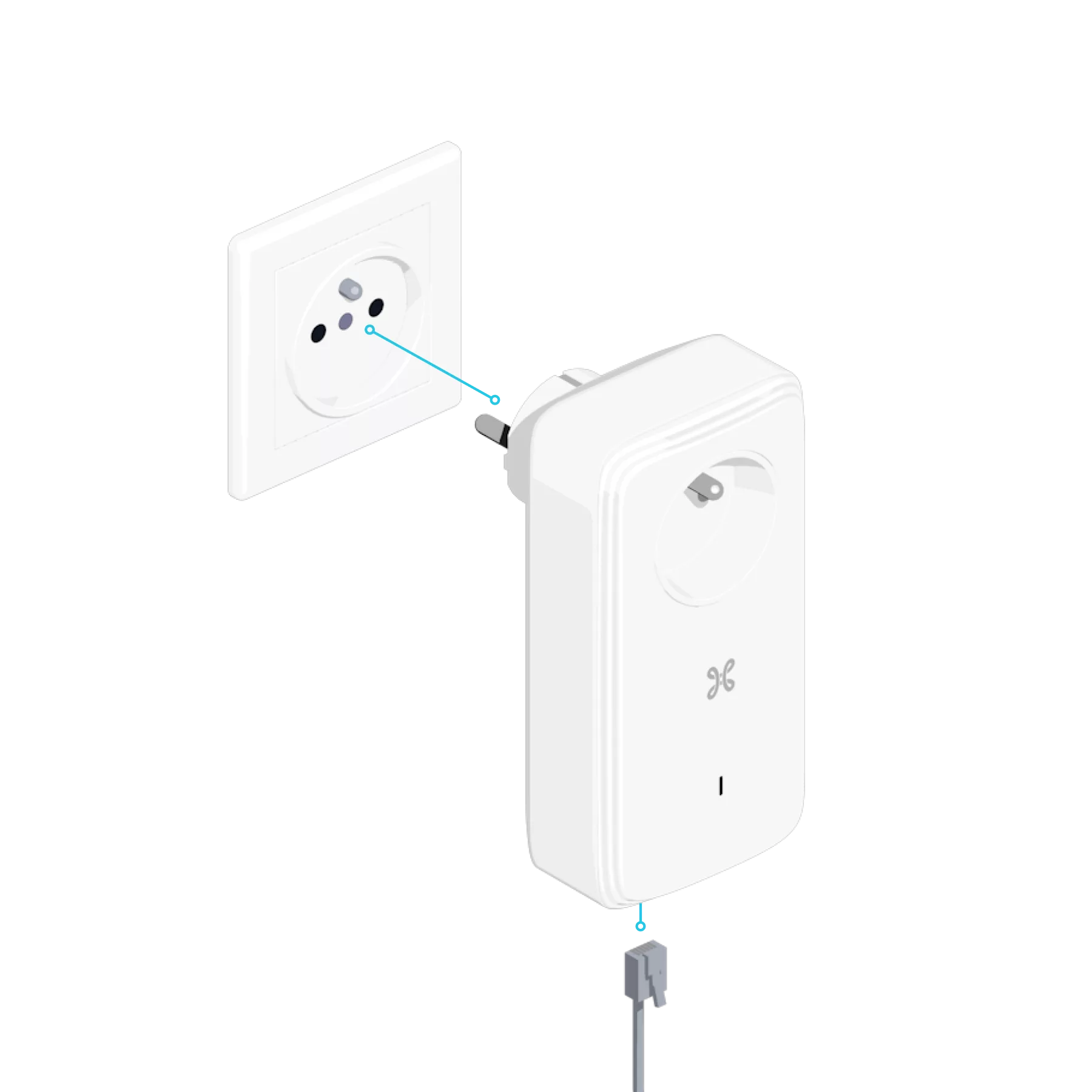
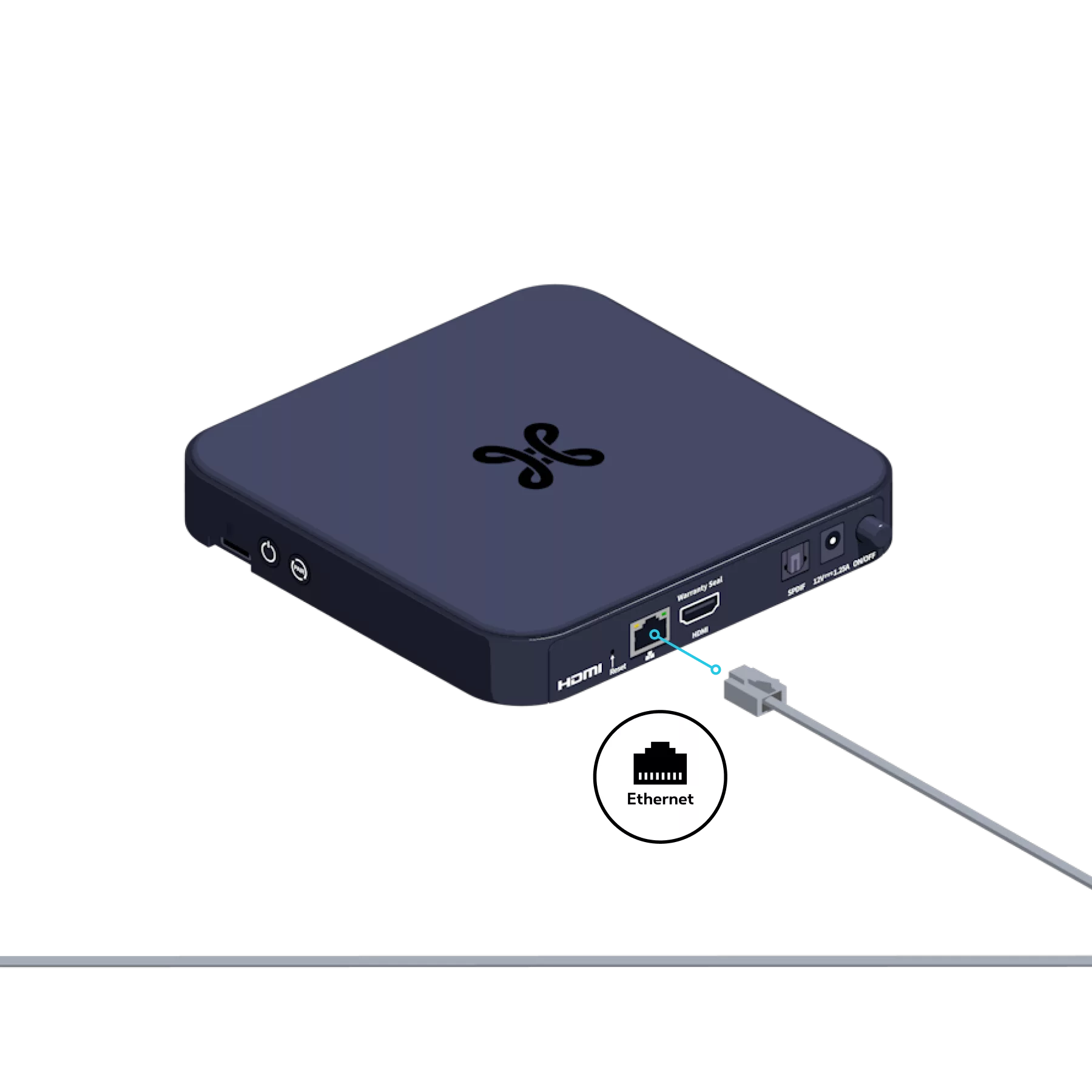
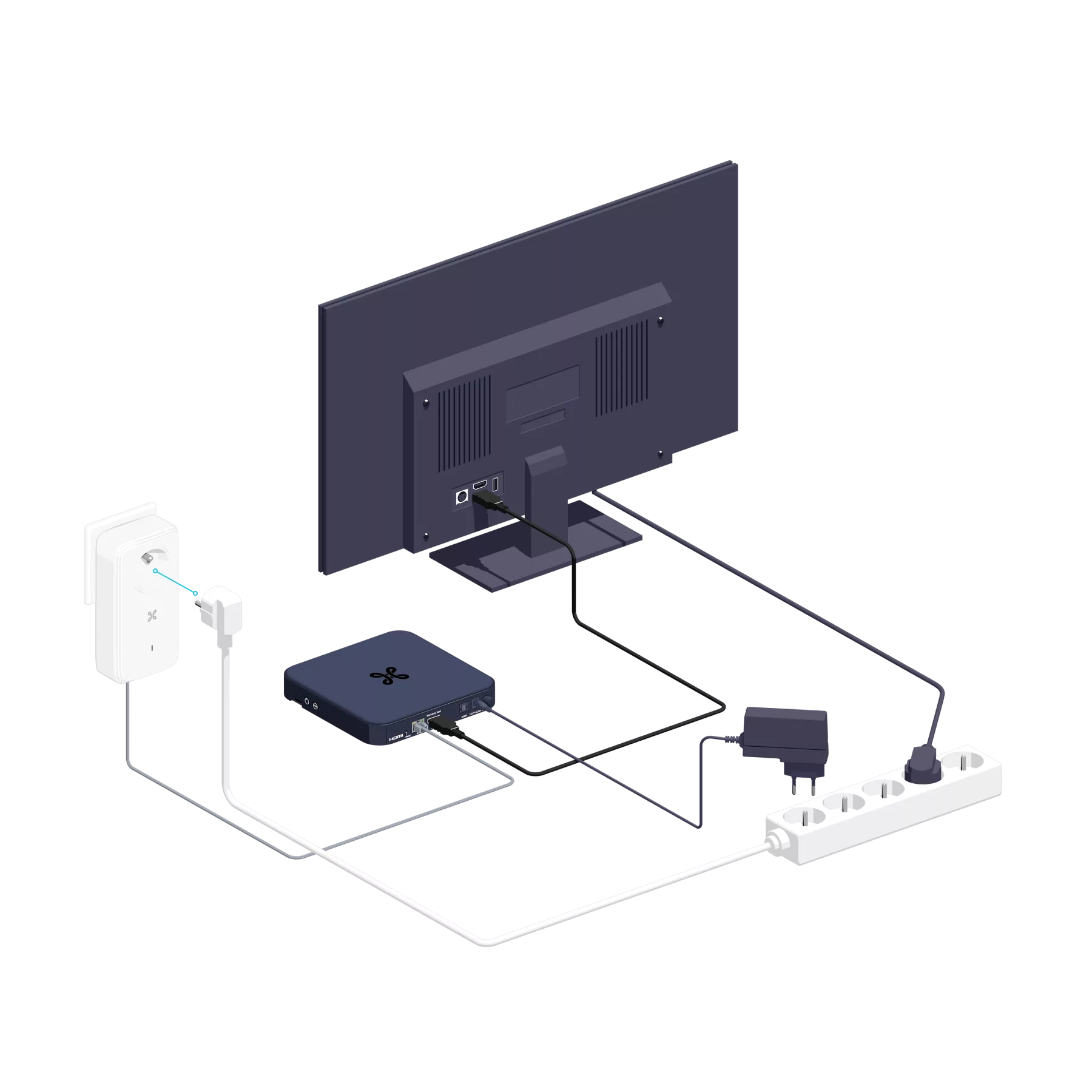
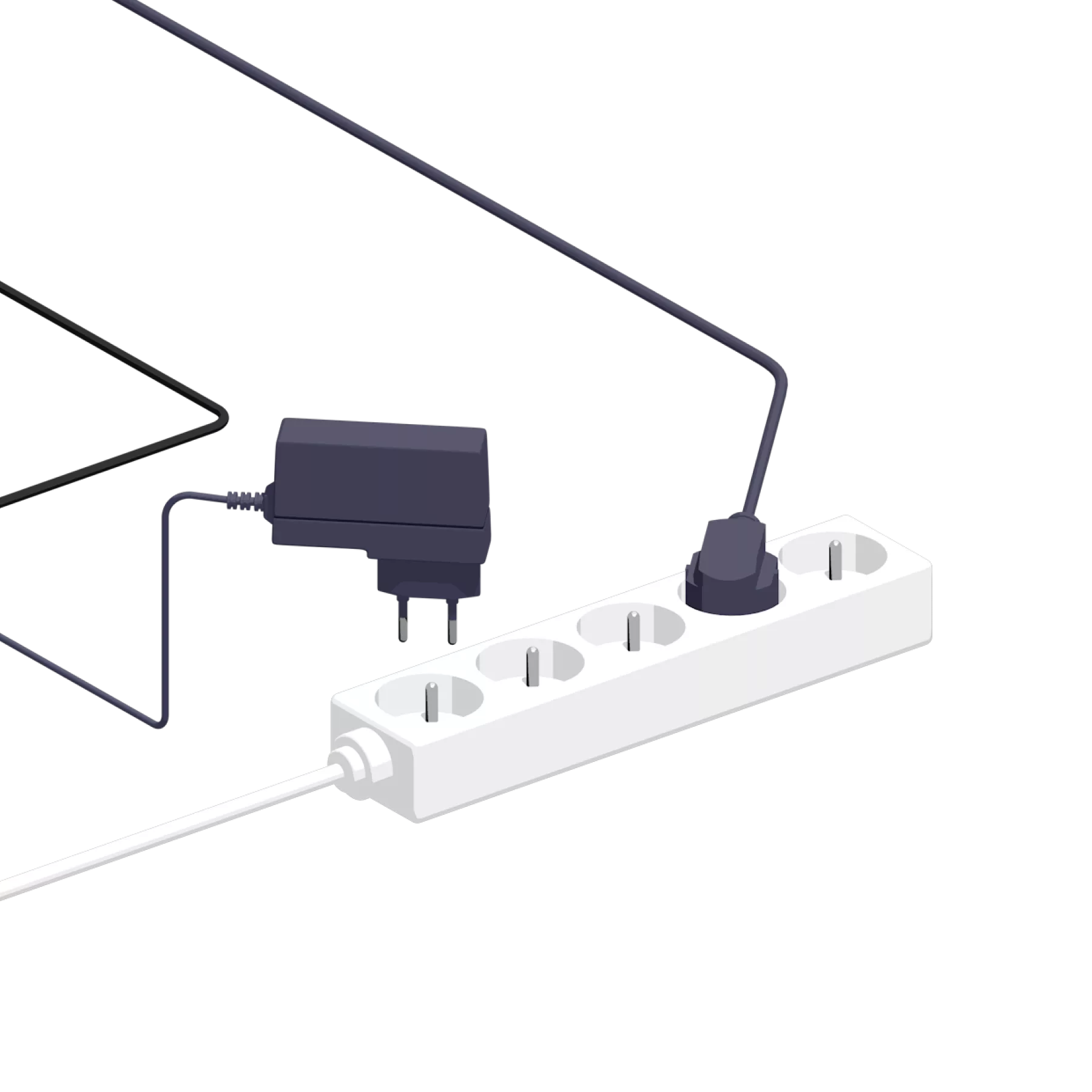
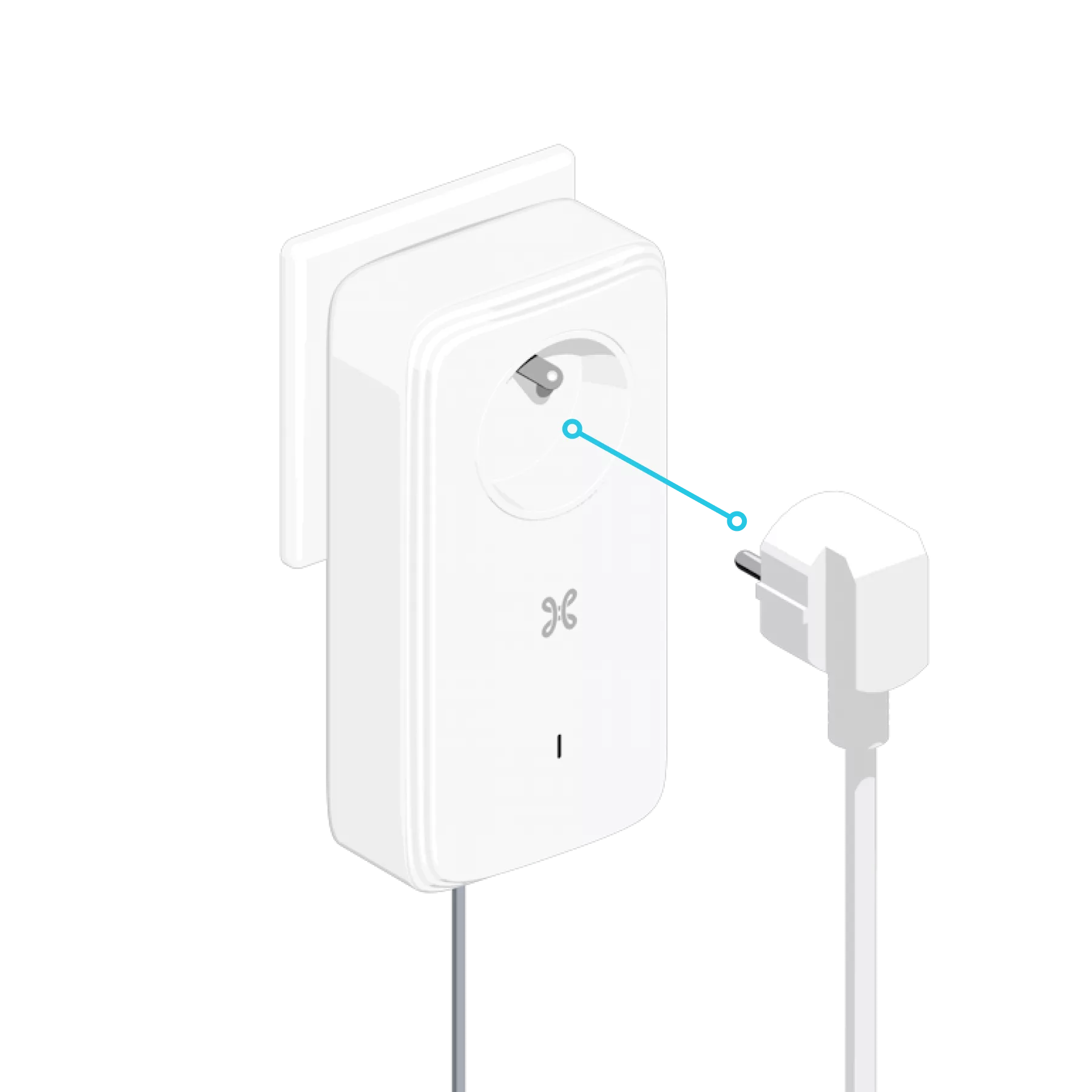
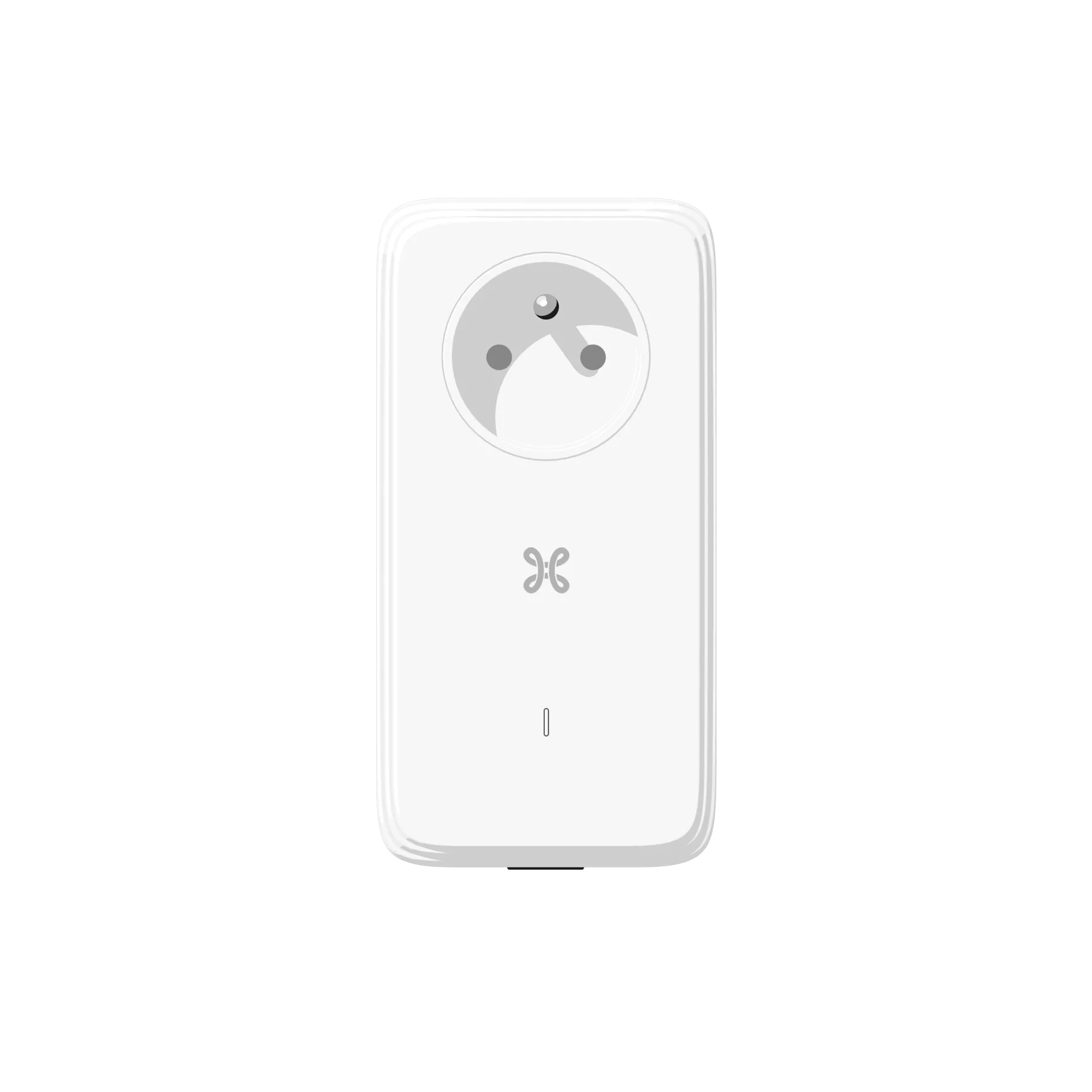
The PLC adapters are the wireless solution that allows you to connect your TV Box to your b-box via the mains, wherever the b-box is located! This guide will help you carry out your initial basic setup. To do this, you have been sent a pack of two PLC adapters.
Check that the connections have been made correctly. If the problem persists, reset both PLC adapters by holding down the button on the side of the adapter for 12 seconds
until the Indicator light goes out. Unplug the PLC adapters from the power sockets and plug them back in, preferably in the same room, whilst you reconfigure them.
Press and hold the button on the side of both PLC adapters for 1 second
(in any order). Once reconfiguration is complete, the indicator lights on both adapters will remain steady and solid white.
Flashing red
: device in deep sleep mode. Steady red
: connection problem. Blinking white
: configuration in progress or device in standby mode. Solid white
: device configured and connected.