Internet Box
Installation GuideBefore you begin
Required components for the installation
- The Internet Box
- The power supply cable
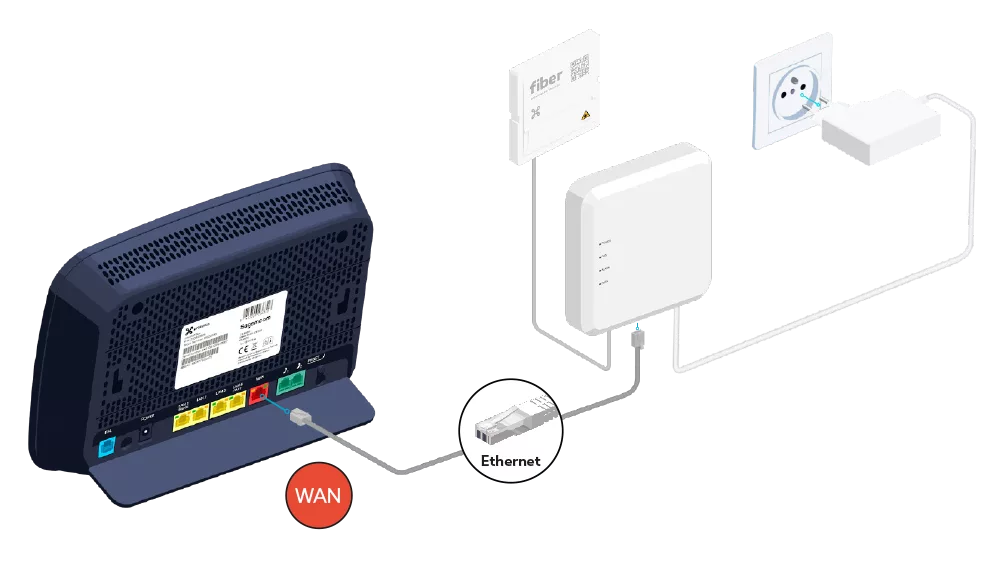
- The Ethernet cable
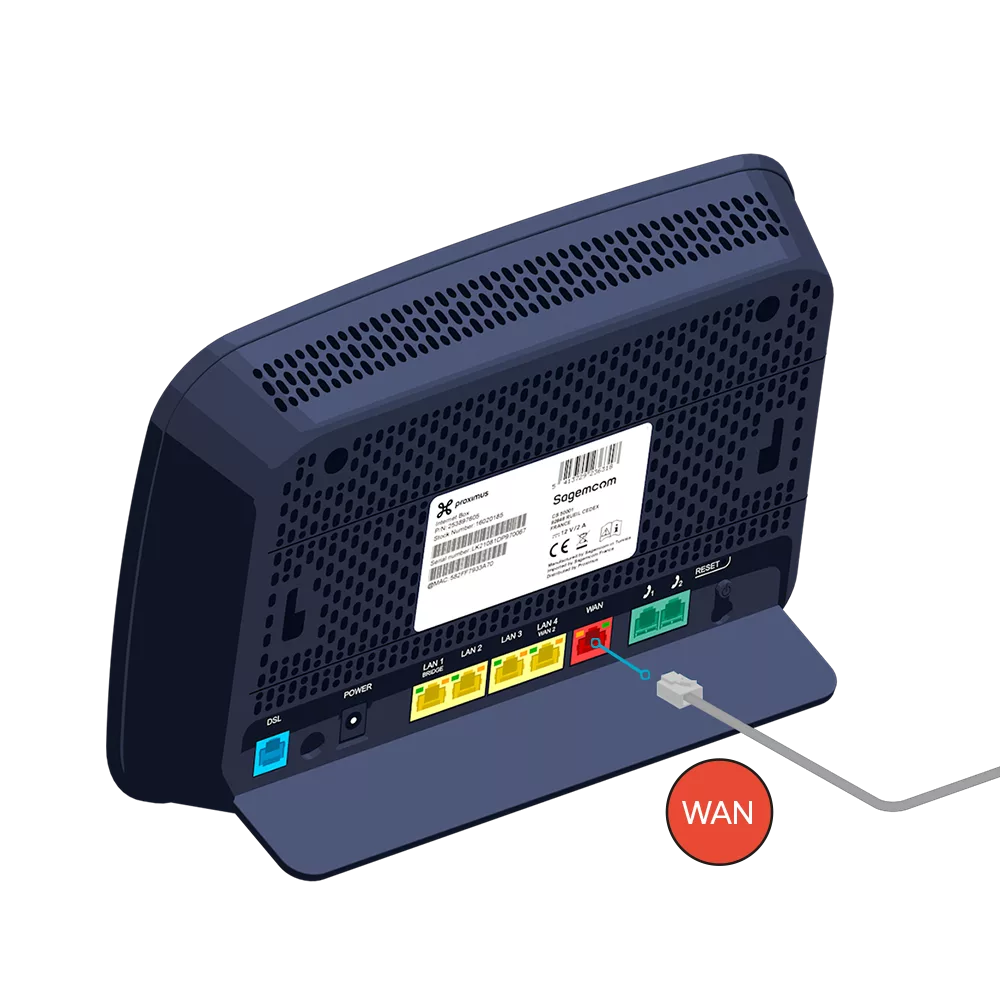
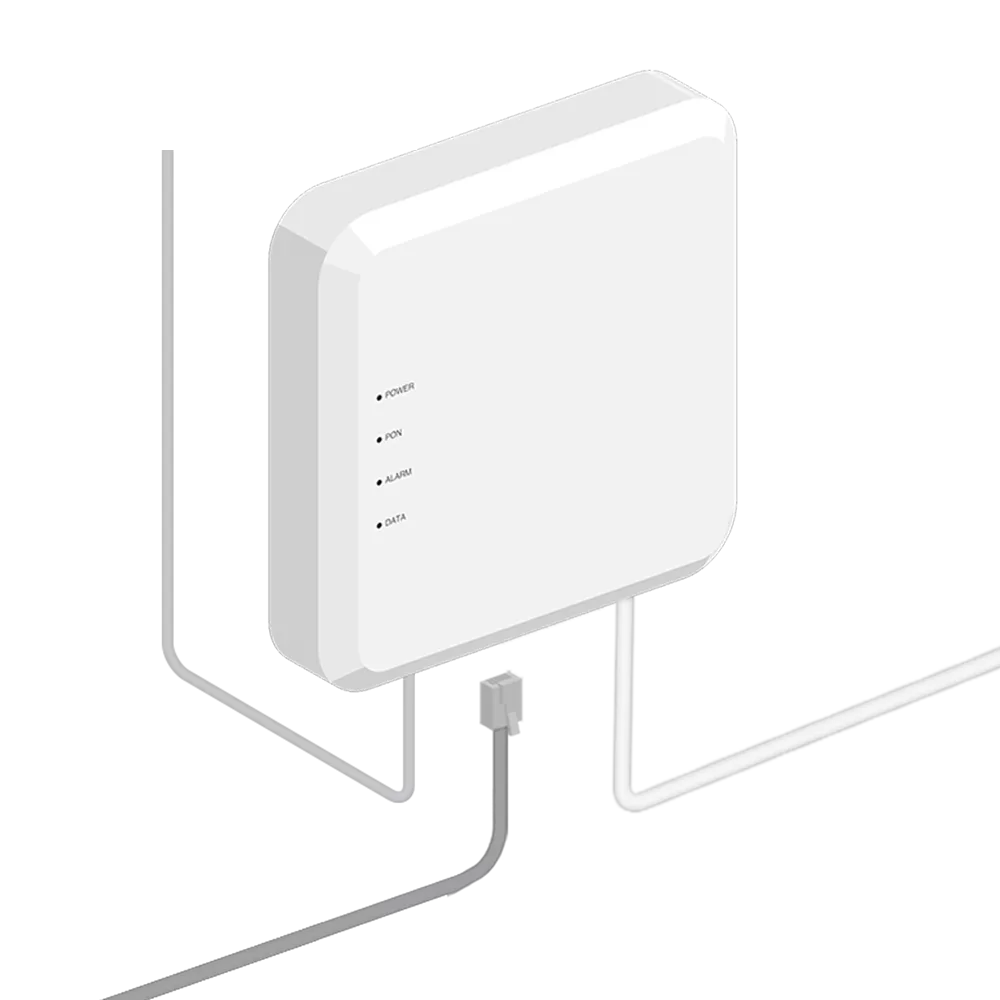
Connect the Internet Box to the Fiber modem
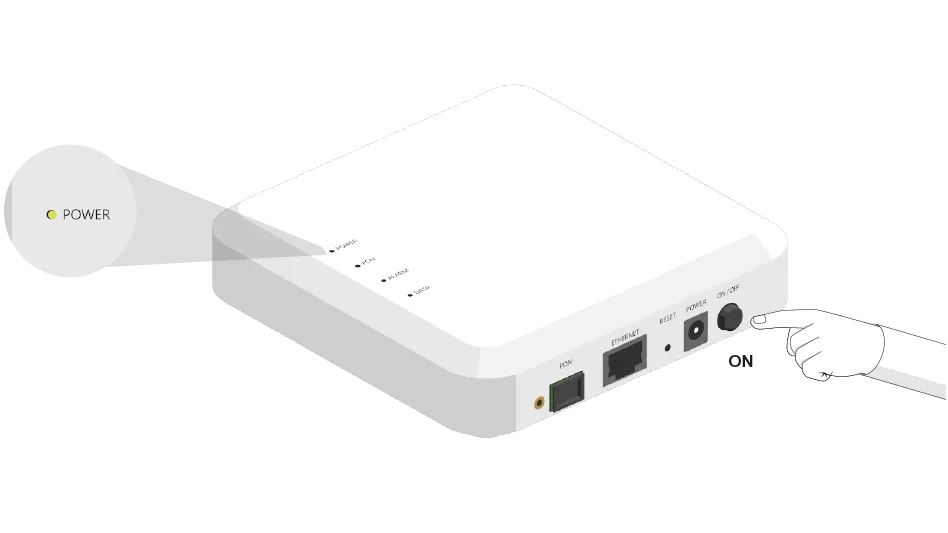
Switch on the Internet Box


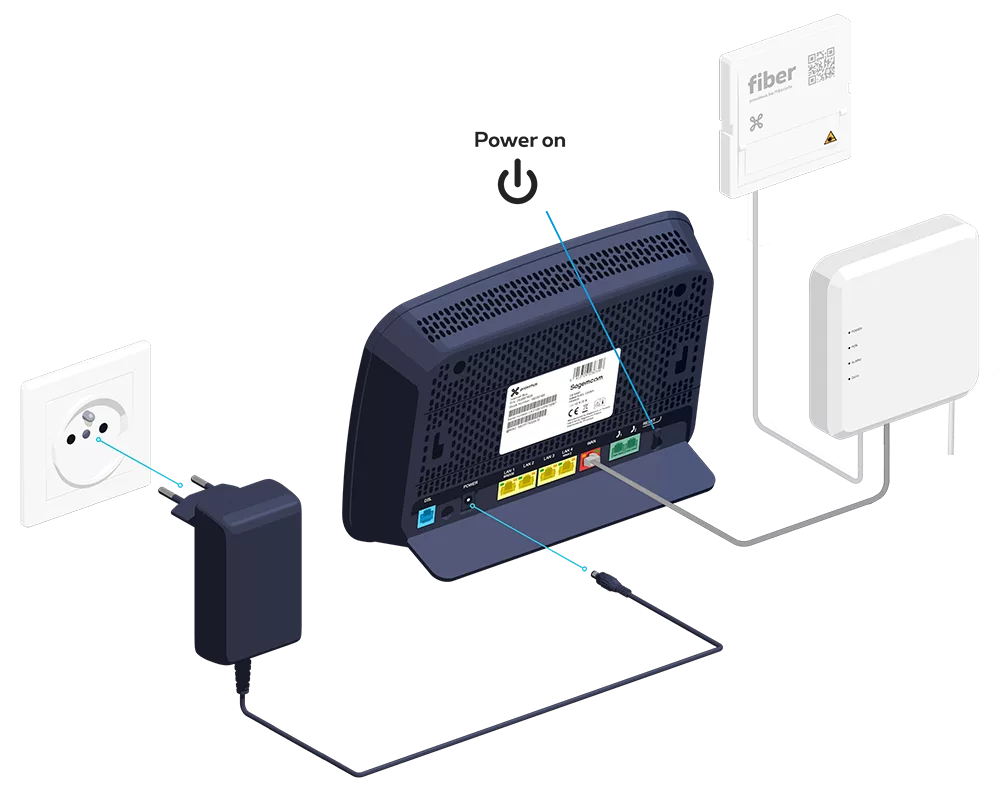
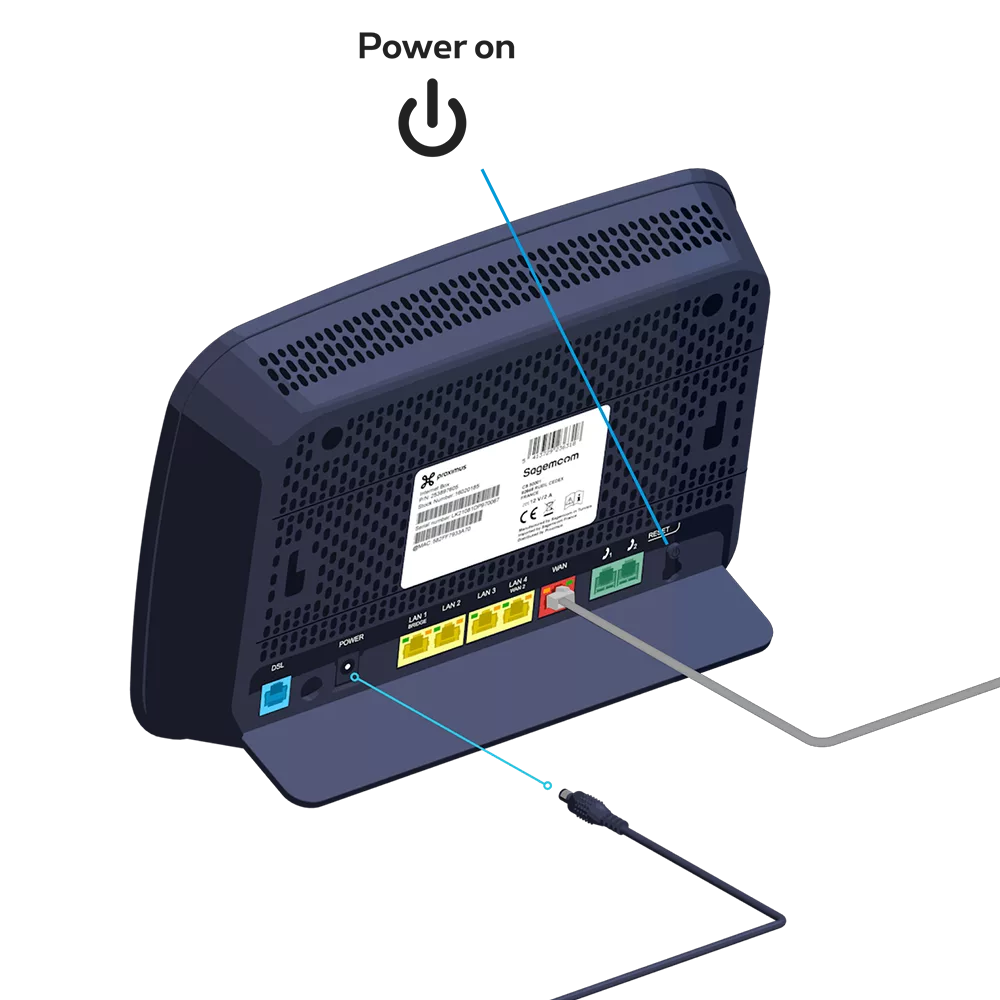
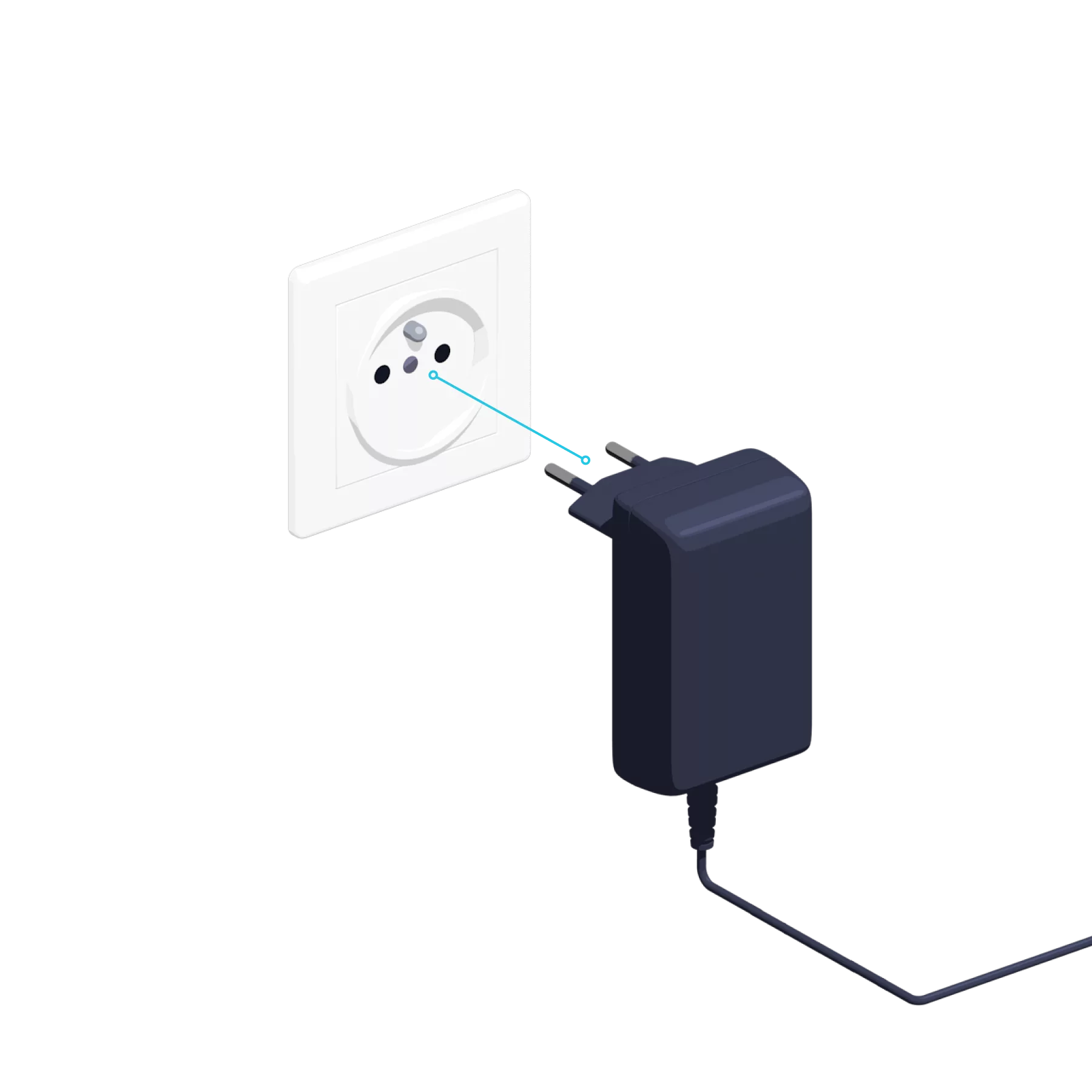
-
- Screw the bracket to the wall.
- Then attach the Internet Box to it.
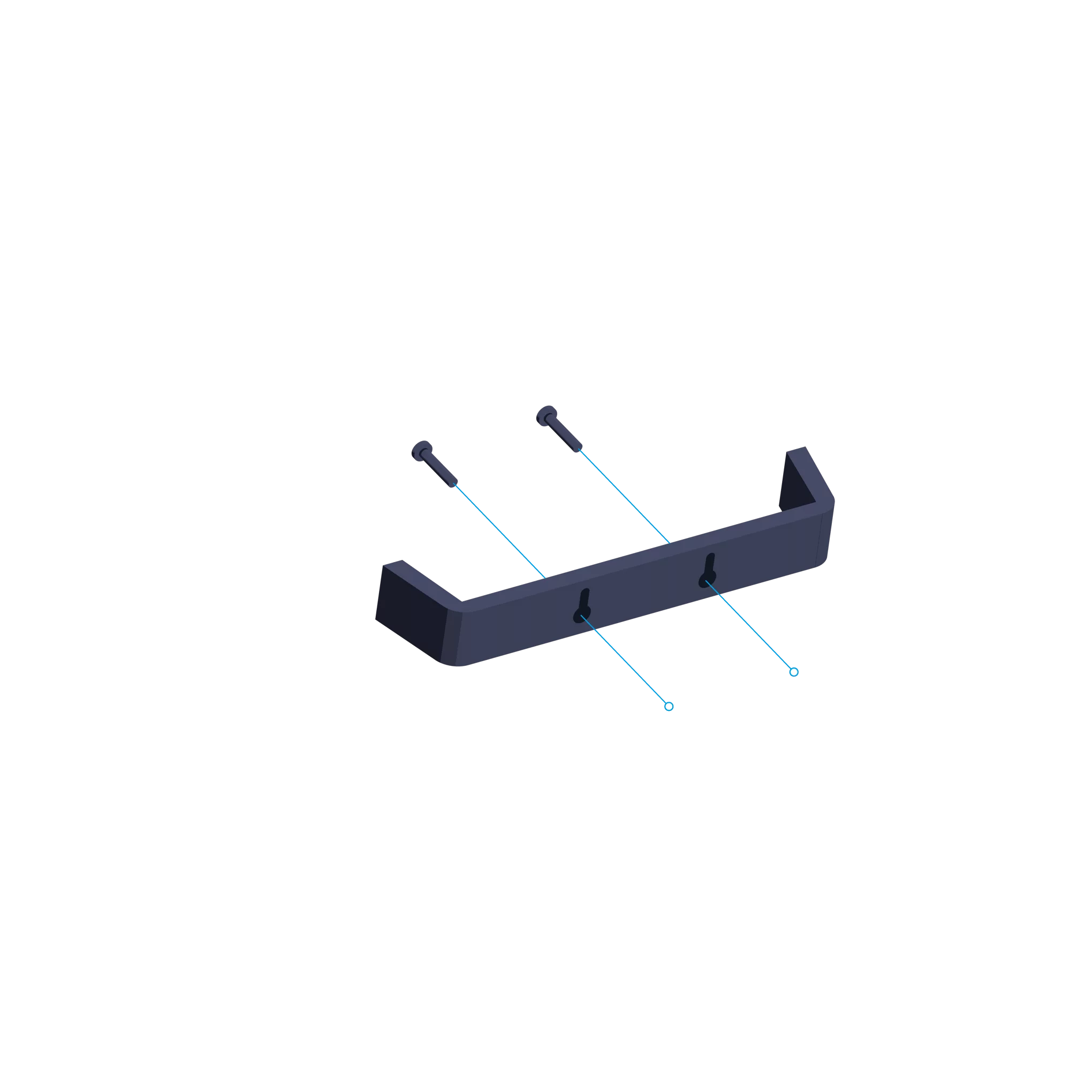
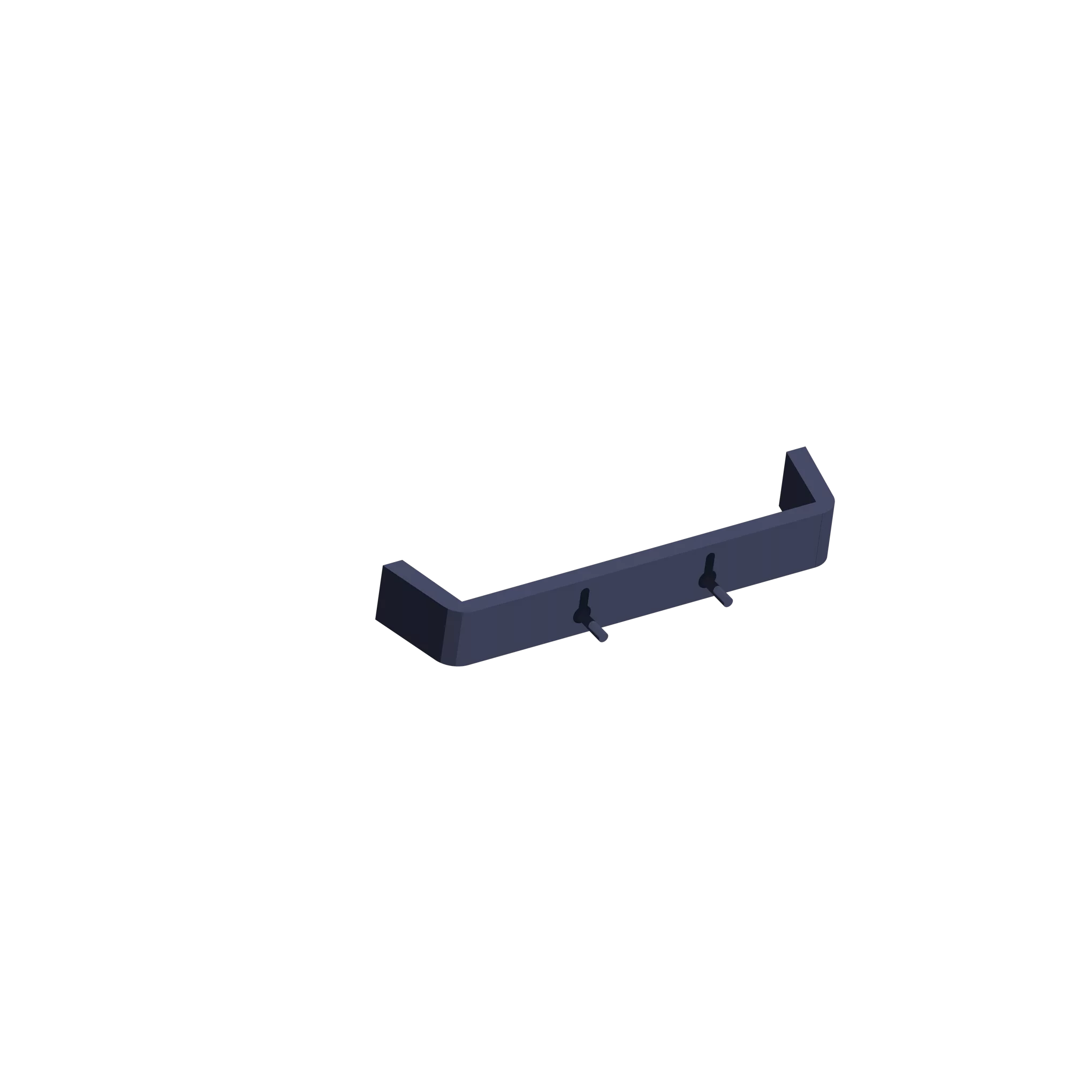
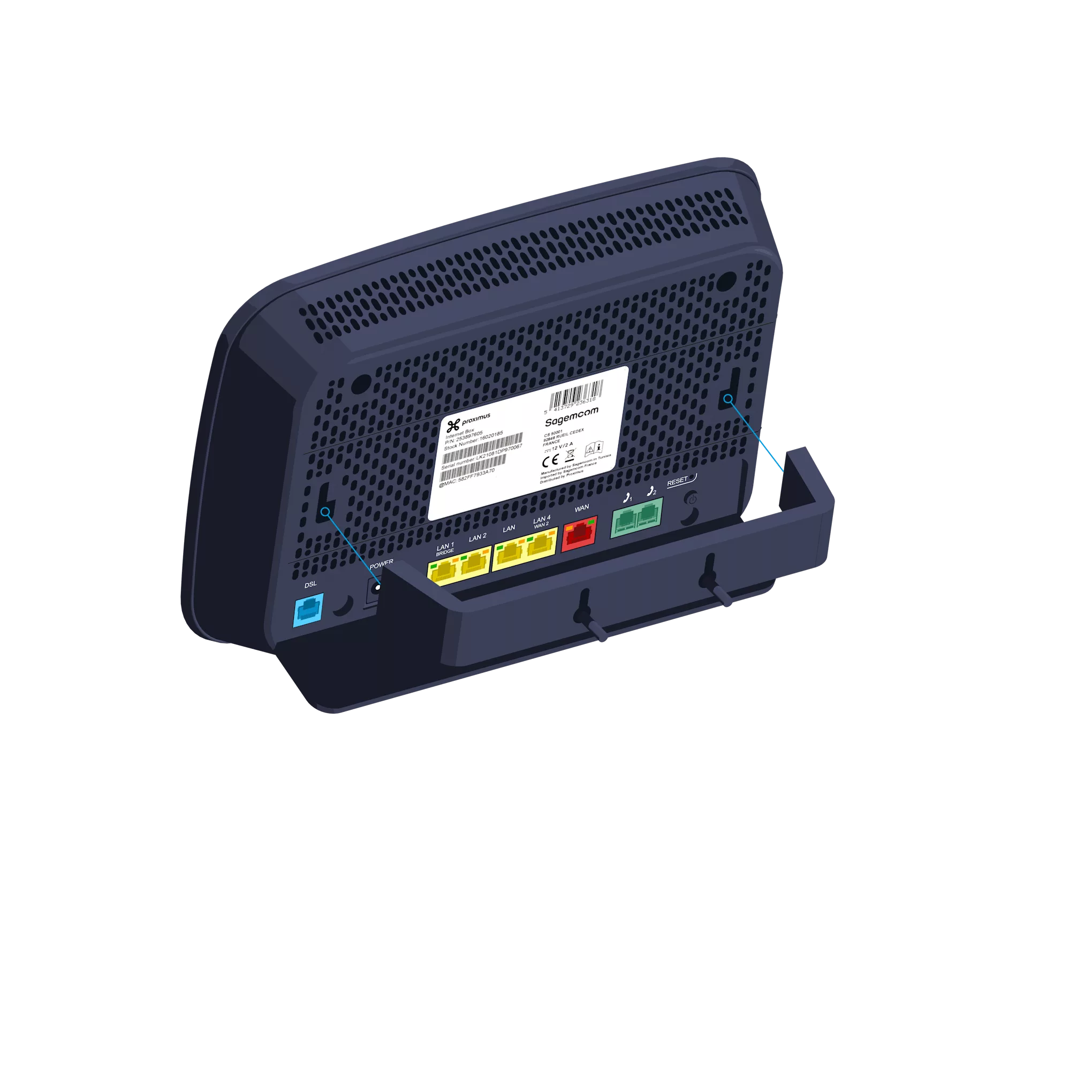
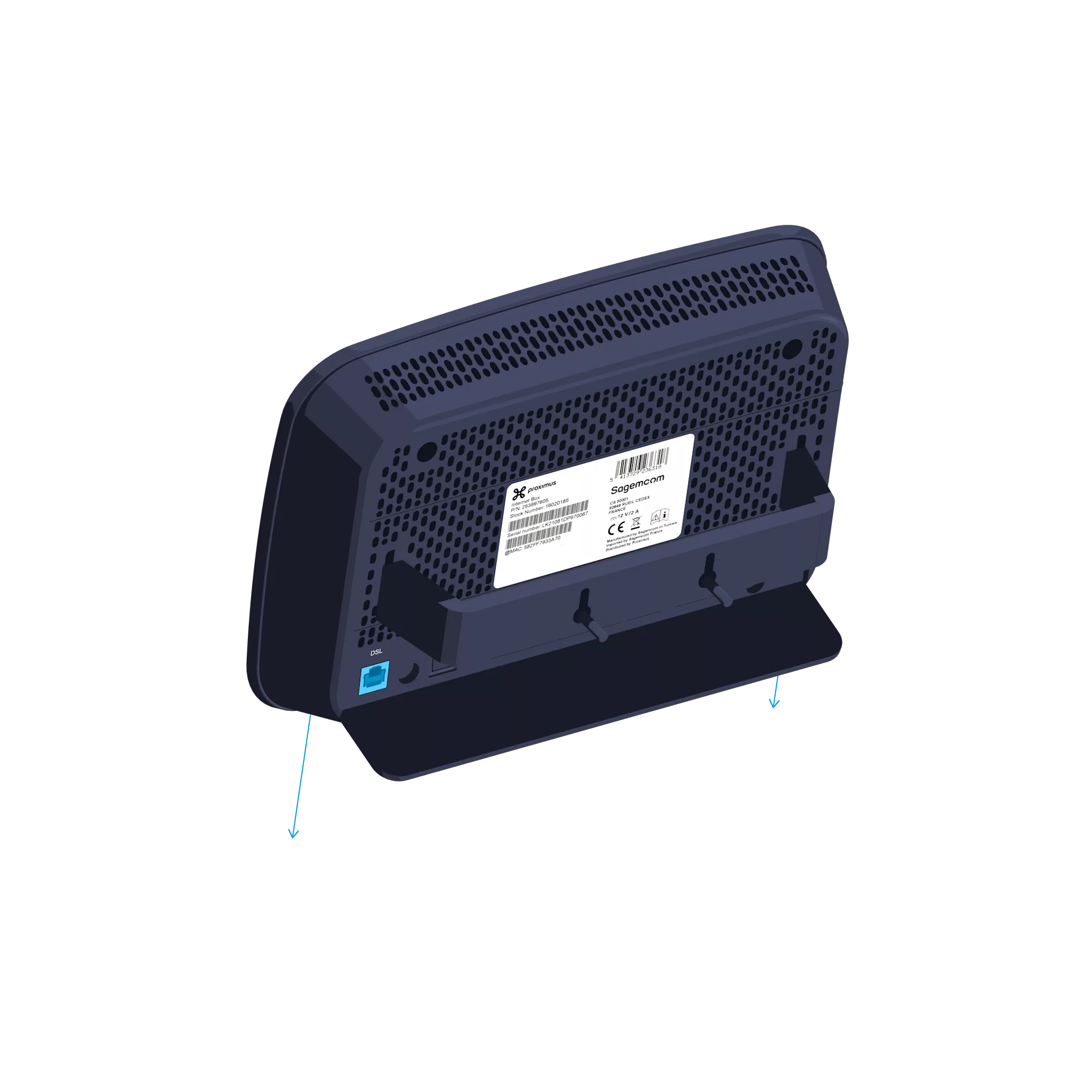
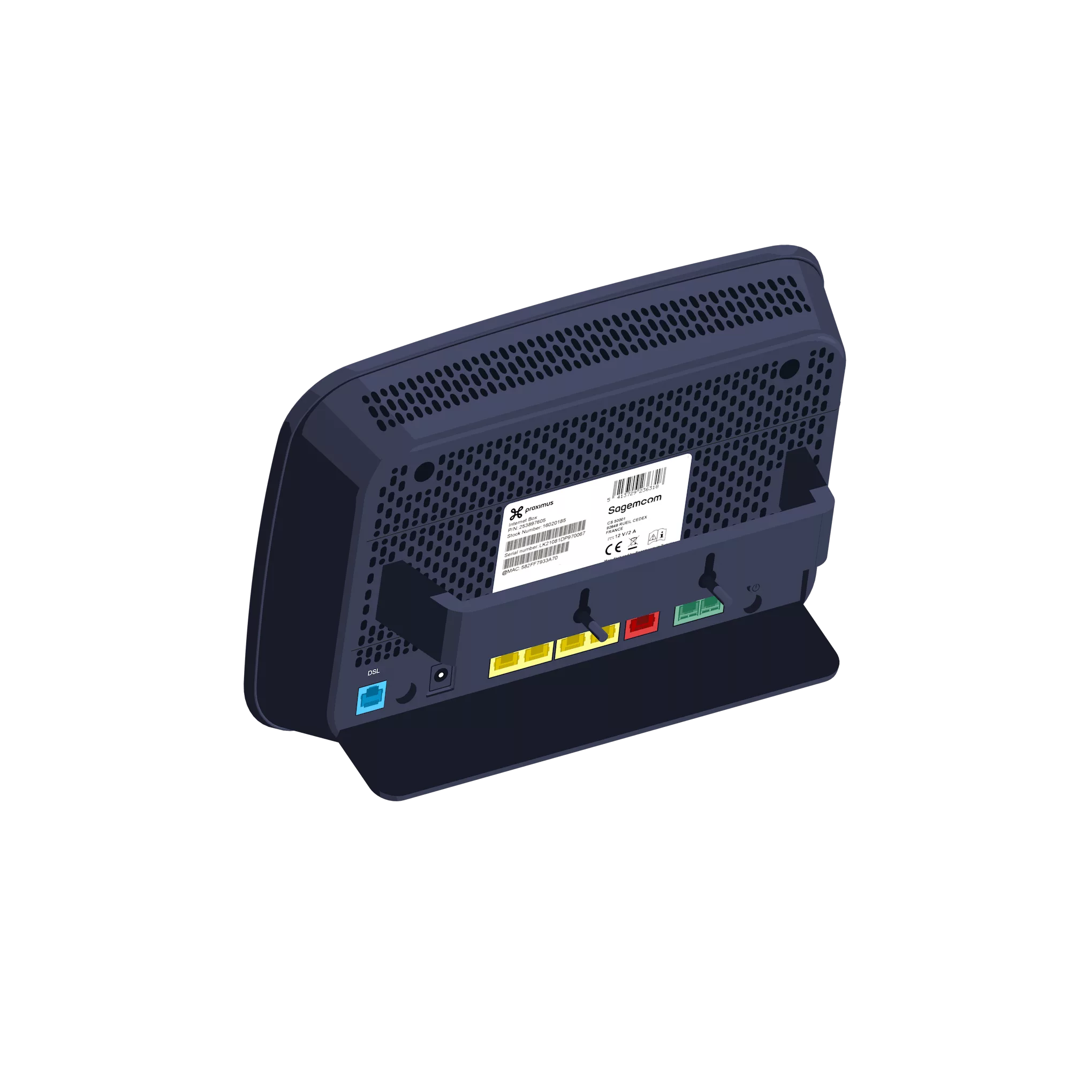 This wall mount is available free of charge via our customer service on 0800 55 800.
Internet Box configuration and automatic updates


-
Solid blue: there is an Internet connection.
Off: the Internet Box is switched off.
Red: there is a fault. Please restart the Internet Box. Alternatively, plug the cable into another port on the Internet Box and restart it using the POWER (OFF/ON) button.

Solid blue: the telephone service is configured correctly.
Blinking white: the telephone service is temporarily unavailable.
Blinking turquoise: the handset is off the hook.
Solid turquoise: a call is in progress.
Off: no telephone service is configured in the Internet Box.
Red: the telephone service is not working properly. Please restart the Internet Box.
Solid blue: Wi-Fi is connected.
Blinking white: indicates that WPS synchronisation is possible with another WPS-enabled Wi-Fi device (max. 2 minutes).
Solid white: the WPS configuration was successful.
Off: Wi-Fi is off.
Red: Wi-Fi is not working properly. Please restart the Internet Box.