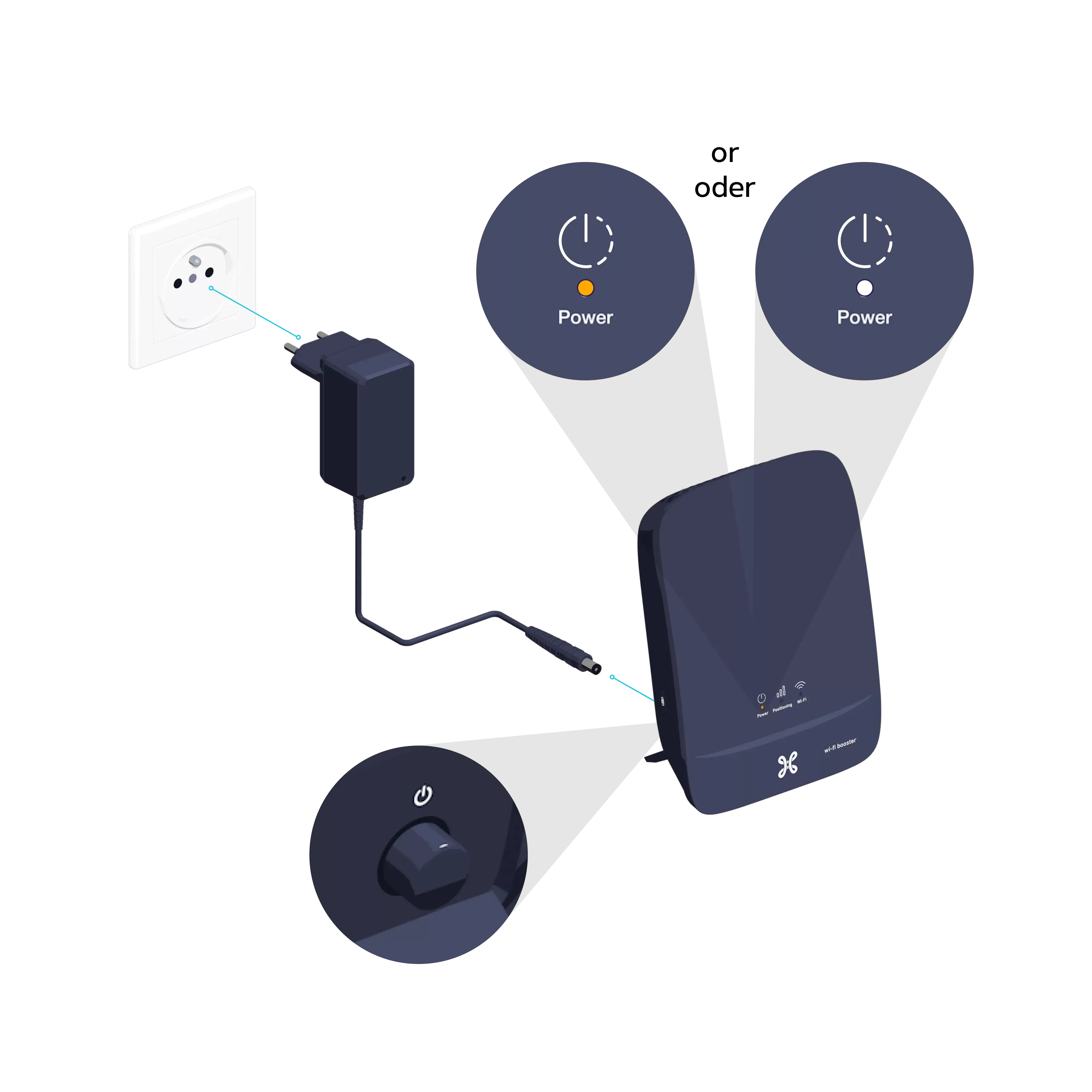
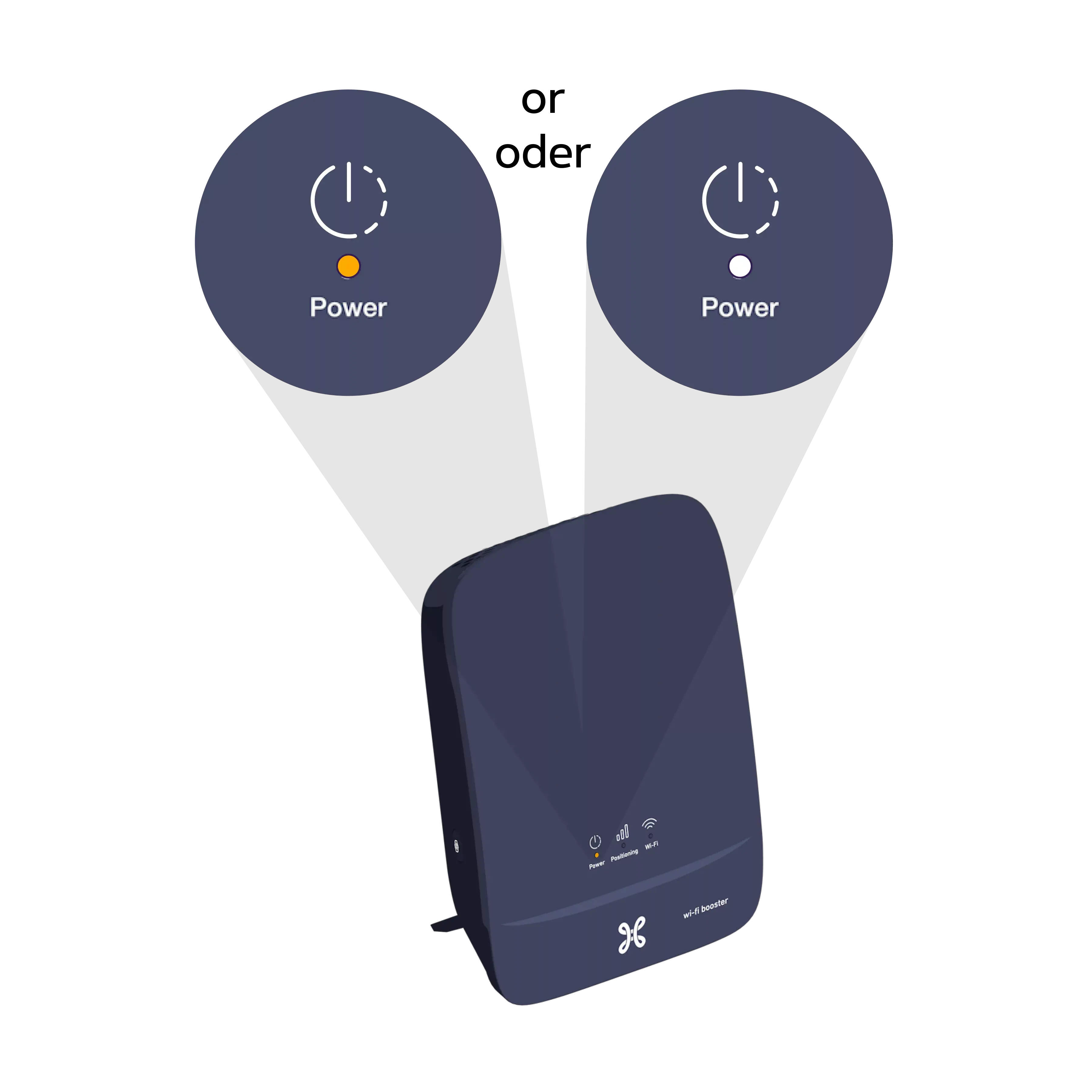
Connect the Wi-Fi Booster’s power supply cable to a power socket in the same room as the Internet Box+. Press the POWER button; the indicator light will turn orange or white.
Step 3
Synchronize the Internet Box+ Wi-Fi with the Wi-Fi Booster
On your Internet Box+, briefly press the WPS button. The Wi-Fi indicator light will turn white.
On the Wi-Fi Booster, press the WPS button until the Indicator light
flashes white. This may take up to 10 seconds.
Once synchronization is complete, the indicator light
turns green.
You can unplug your Wi-Fi Booster and place it in a central position between the Internet Box and the device that needs to receive the Wi-Fi signal.
in an open space, on a piece of furniture for example
ideally without too many obstacles between the Wi-Fi Booster and the Internet Box+: concrete walls, ceilings, mirrors, doors and closed cupboards can weaken the Wi-Fi signal
Step 4
Switch the Wi-Fi Booster back on
Connect the Wi-Fi Booster’s power cable to the power socket.
You’re free to connect other devices to the other free yellow Ethernet port on the Wi-Fi Booster: a games console, a Blu-ray player, a computer or a TV Box.




 Ideally


