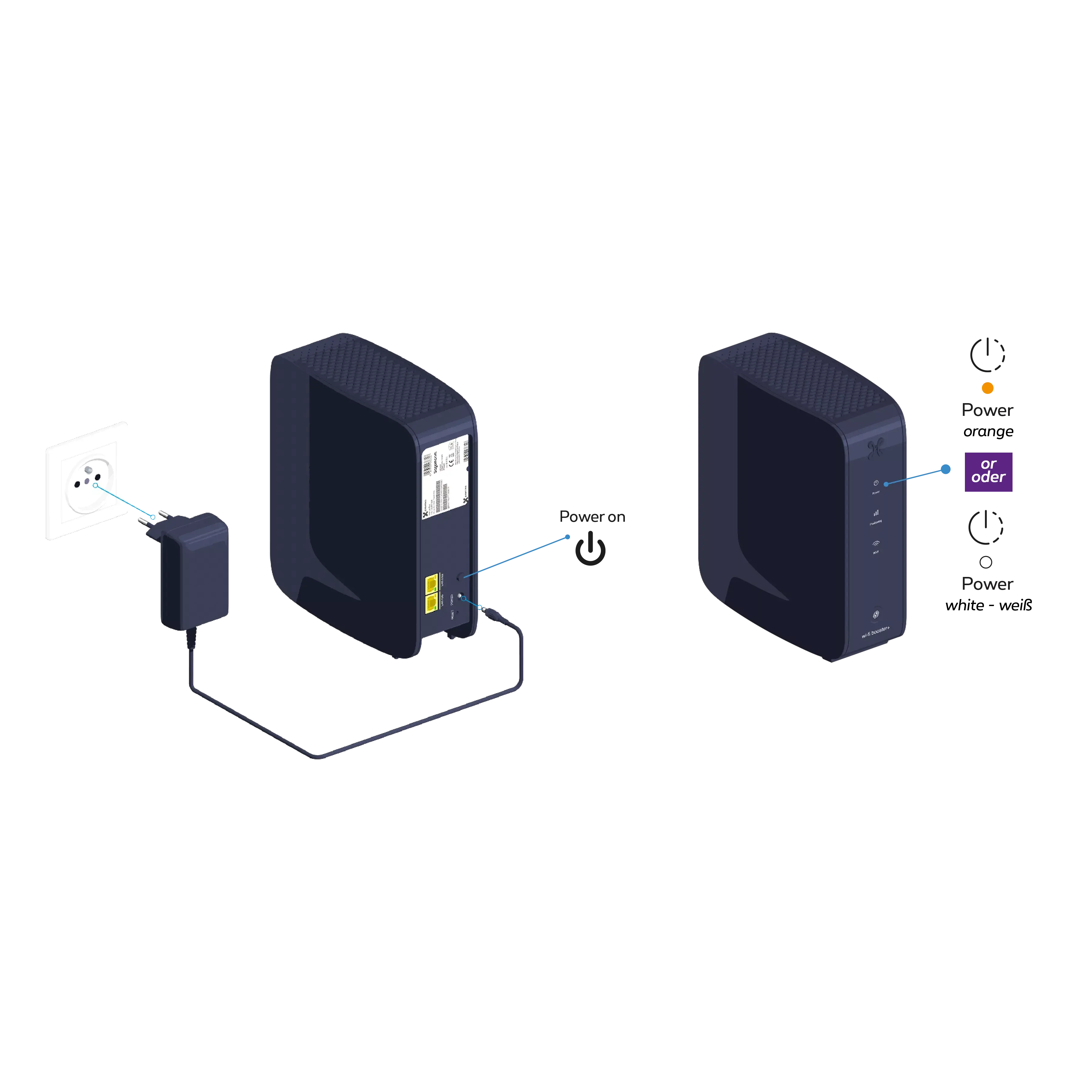
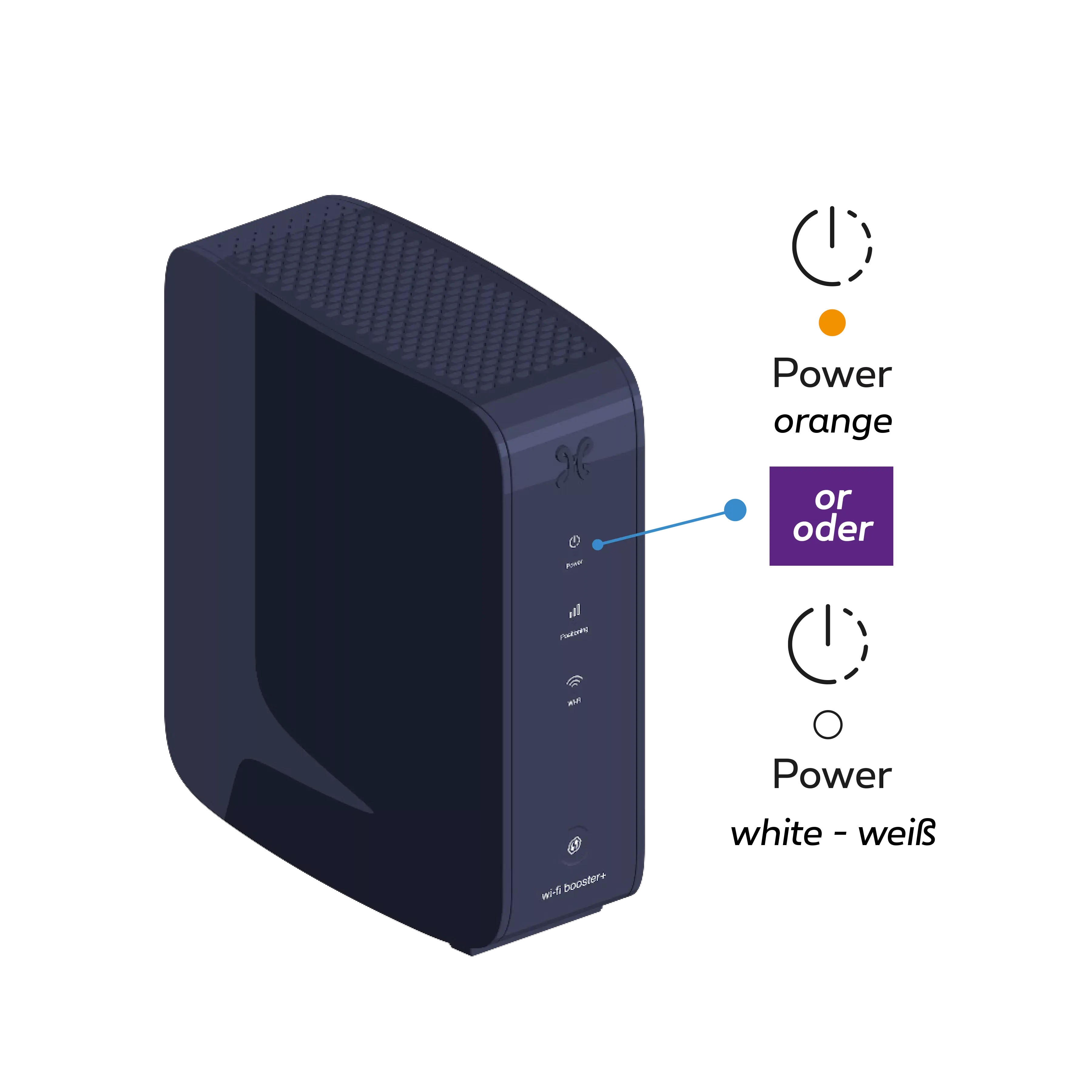
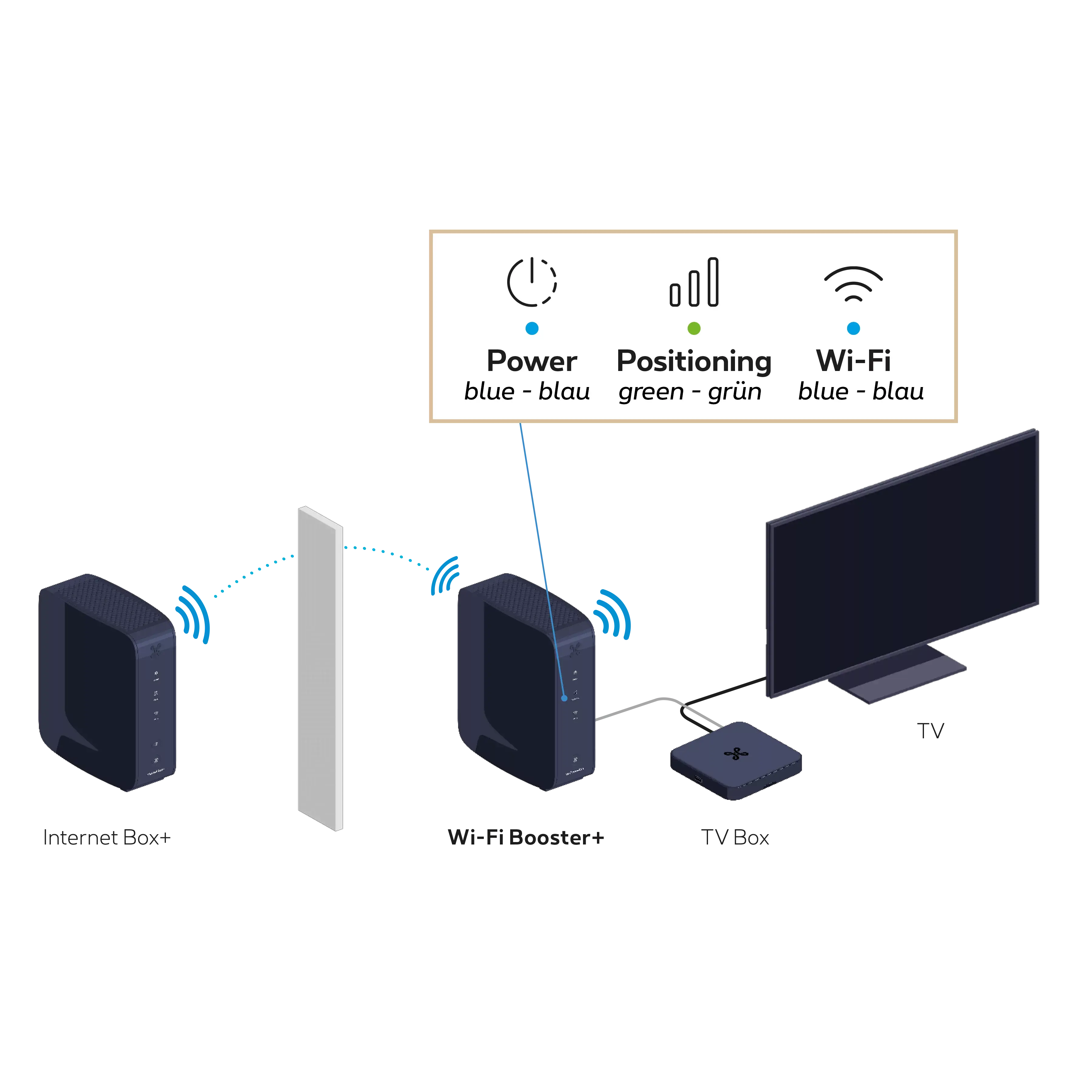
Connect the Wi-Fi Booster+ power cable to a power socket in the same room as the Internet Box+. Press the POWER button; the Indicator light
turns orange or white.
Synchronize the Internet Box+ Wi-Fi with the Wi-Fi Booster+
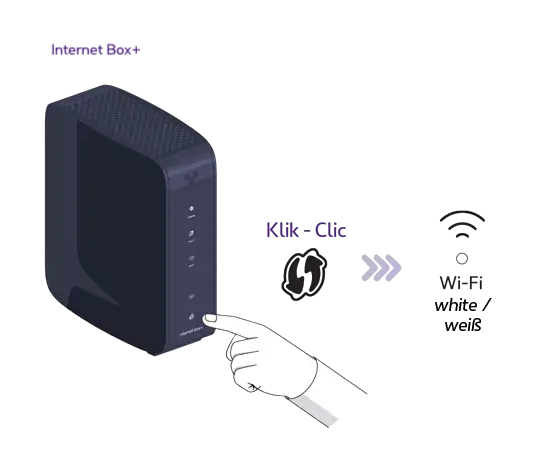
On the Internet Box+, press the WPS button until the Indicator light flashes white.
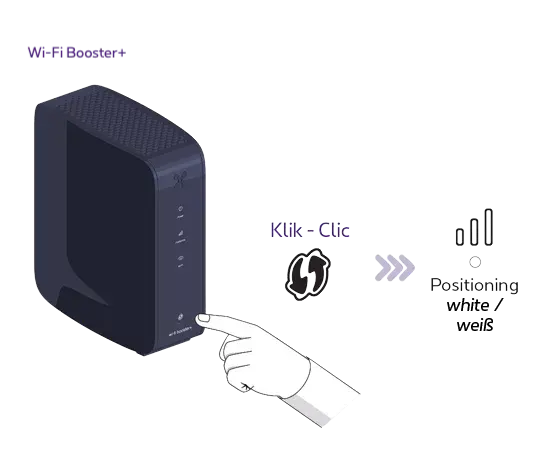
On the Wi-Fi Booster+, press the WPS button until the indicator light flashes white.
This may take up to 10 seconds.
Once synchronization is complete, the indicator light
turns green and the indicator light
turns a solid blue. This may take a few minutes.
You can unplug your Wi-Fi Booster+ and place it in whichever room you like.
Step 4
Connect the Wi-Fi Booster+ to the TV Box
Use the Ethernet cable
and connect one end to the yellow 2.5G LAN port on the back of the
Wi-Fi Booster+. Connect the other end of the cable to the TV Box.