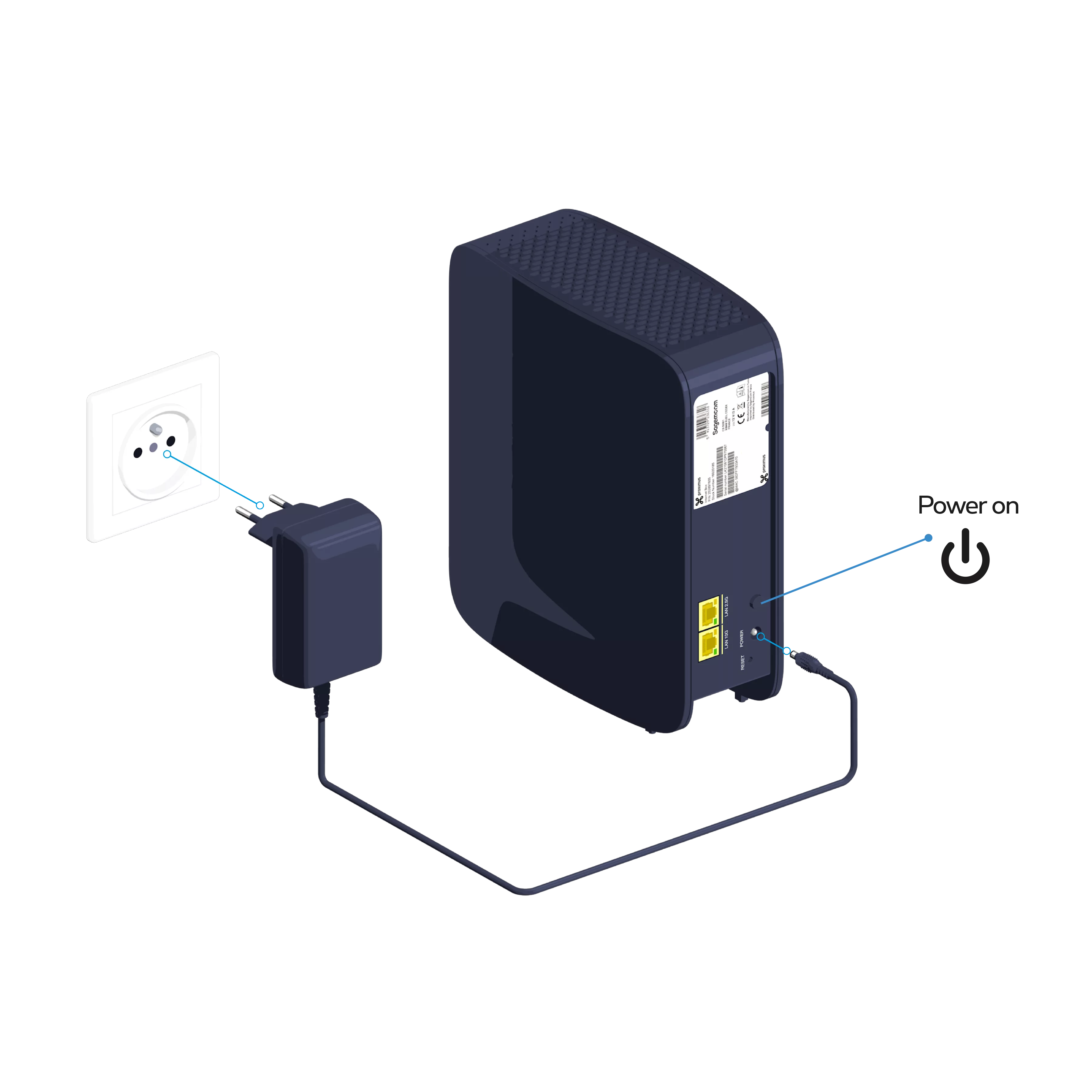
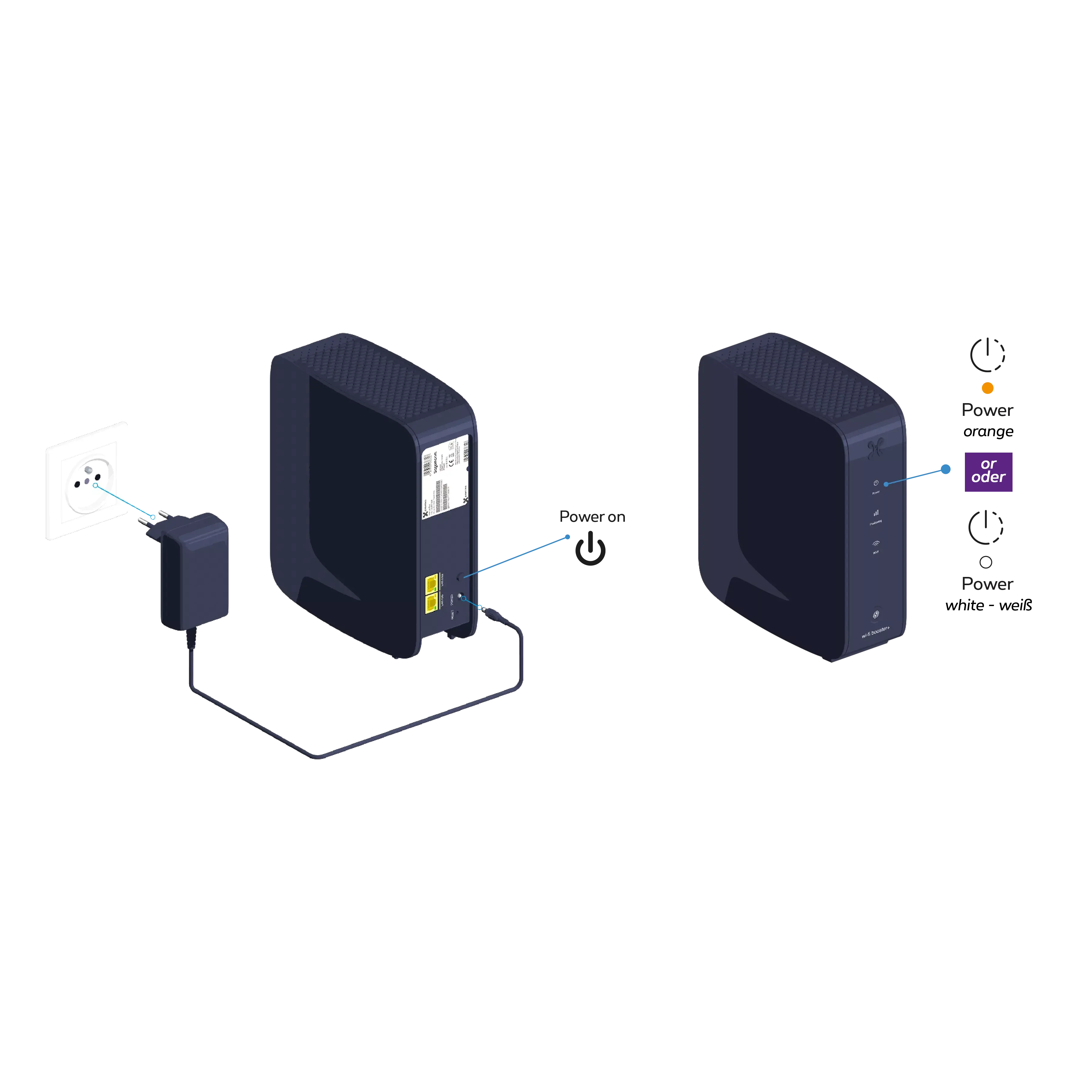
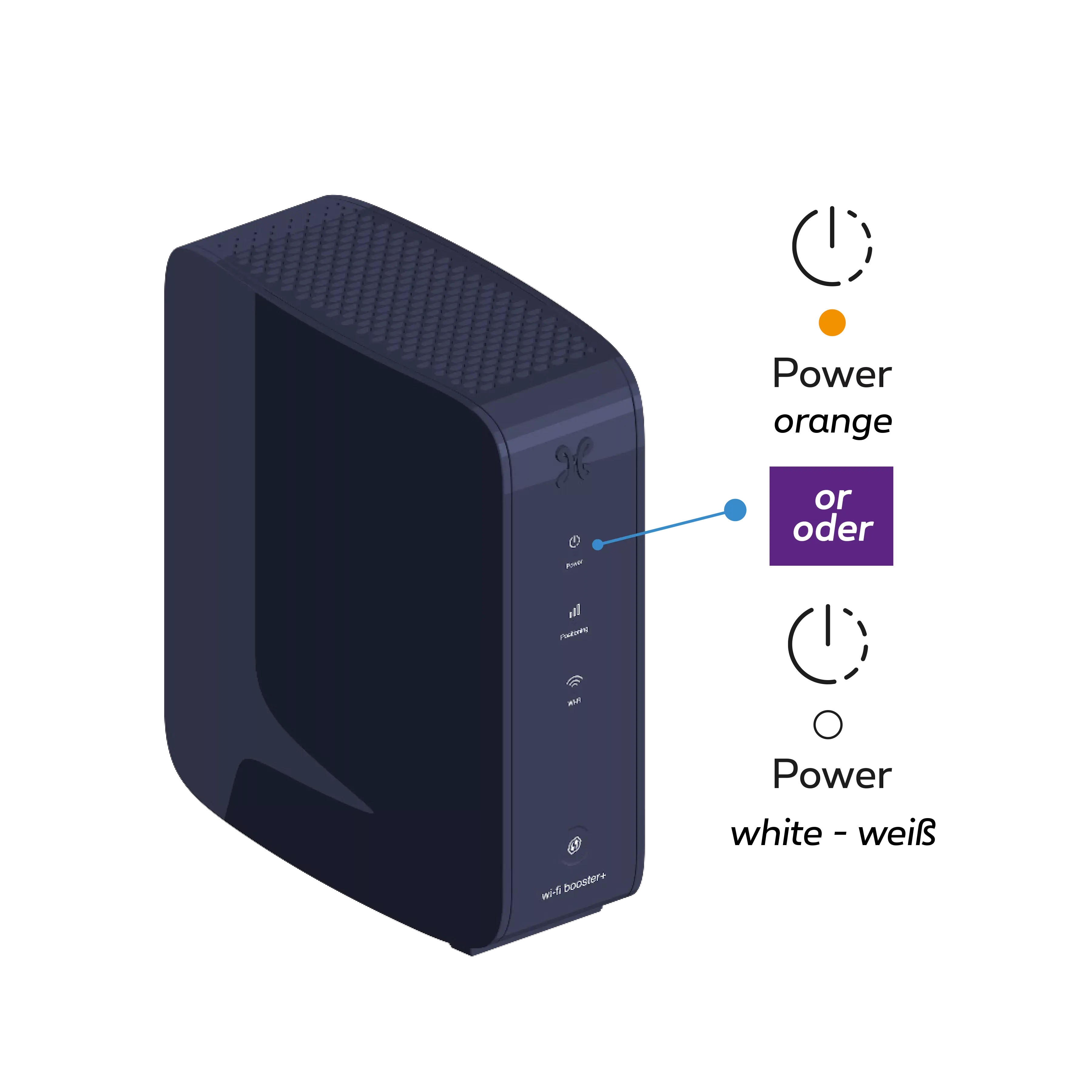
Connect the Wi-Fi Booster+ power cable to a power socket in the same room as the Internet Box+. Press the POWER button; the Indicator light
turns orange or white.
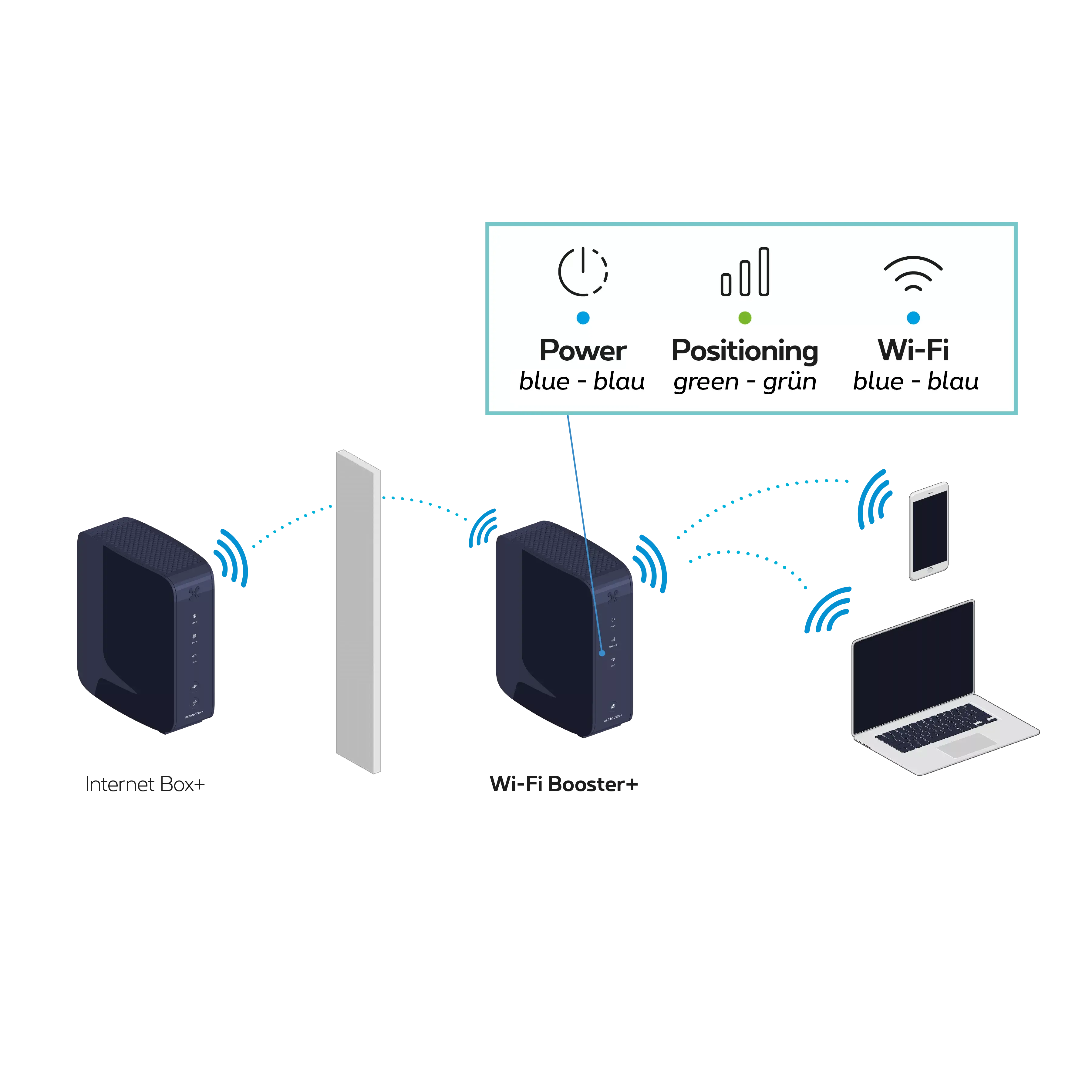
in an open space, on a piece of furniture for example
ideally without too many obstacles between the Wi-Fi Booster and the Internet Box+: concrete walls, ceilings, mirrors, doors and closed cupboards can weaken the Wi-Fi signal
Step 4
Switch the Wi-Fi Booster+ back on
Connect the Wi-Fi Booster+ power cable to the power socket.
Check that the POWER button has been pressed properly.
If the indicator light
is not green, move the Wi-Fi Booster+ closer to the Internet Box+ to ensure the best possible signal.
You’re free to connect other devices to the other free yellow Ethernet port on the Wi-Fi Booster+: a games console, Blu-ray player, computer or a TV Box.








 Ideally