View all guides
Logging in to the internet via the Internet Box+
Installation GuideBefore you begin
Select the type of connection you require.
Make sure the Wi-Fi indicator light on the Internet Box+ is turned on
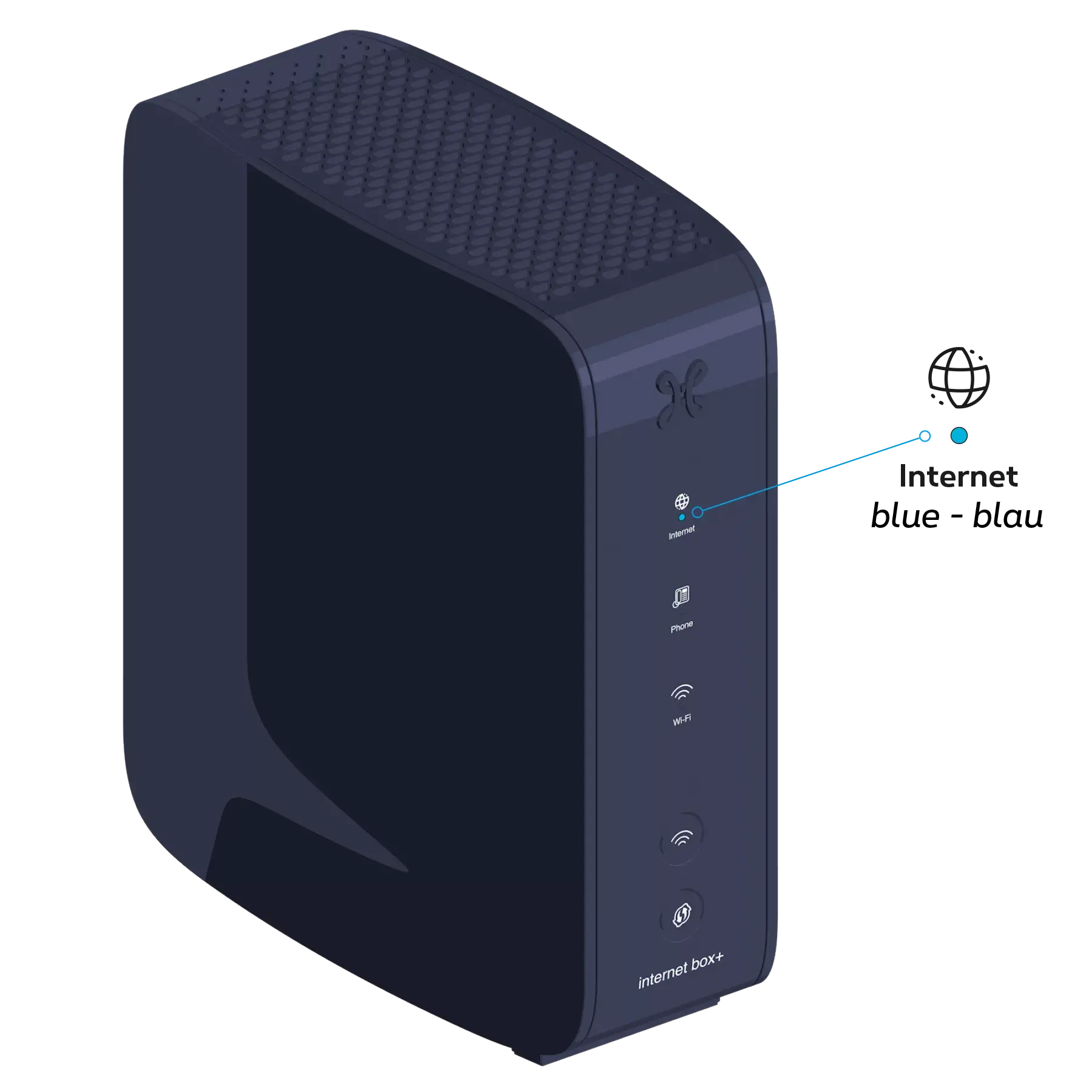
-
Check that the Wi-Fi button on the side of the Internet Box+ is pressed in.

Connect your devices
Your Wi-Fi codes have been sent to you by text message.
Select the name of your Wi-Fi network
from your computer, tablet or smartphone.
Enter your Wi-Fi password
to log in.
Configure your settings and access your Wi-Fi access codes via proximus.be/myinternet
(MyProximus).
Select the name of your Wi-Fi network
from your computer, tablet or smartphone.
Enter your Wi-Fi password
to log in.
Configure your settings and access your Wi-Fi access codes via proximus.be/myinternet
(MyProximus).
There you go – you’re all set to enjoy the Internet!