View all guides
Logging in to the internet via the Internet Box+ 7
Installation GuideBefore you begin
Select the type of connection you require.
Check the connection
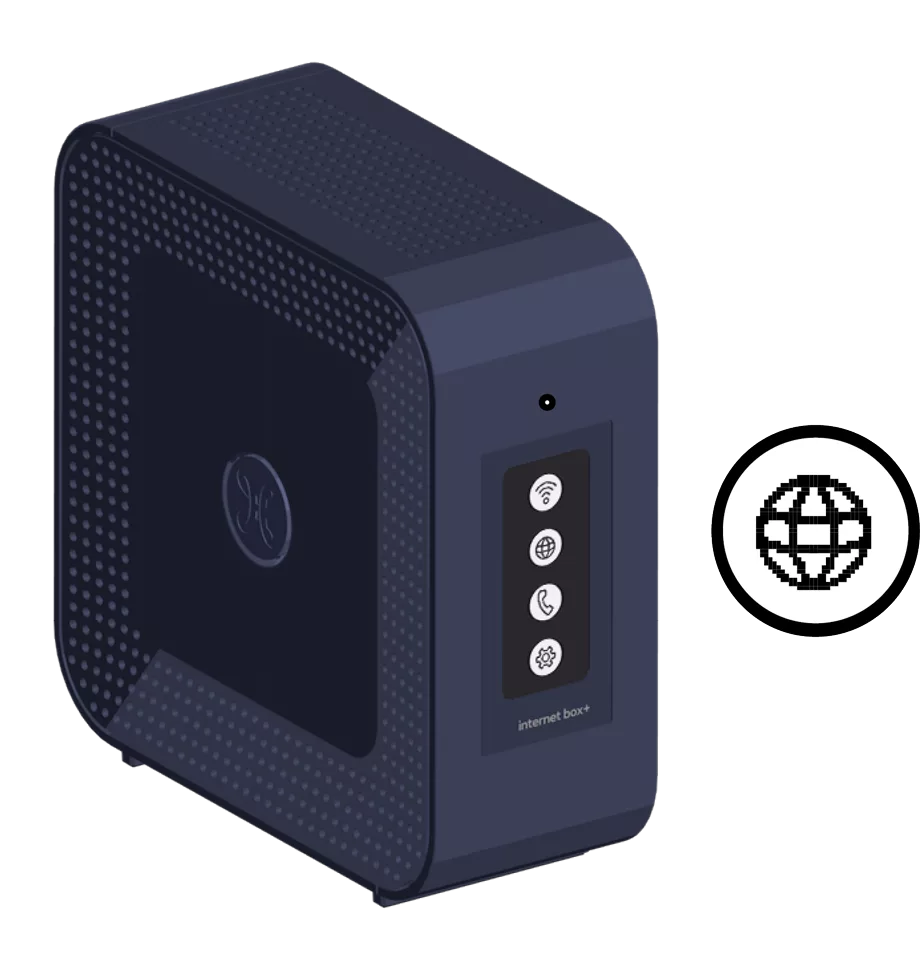
The Internet icon appears on the screen.
Connect the computer to the Internet Box+
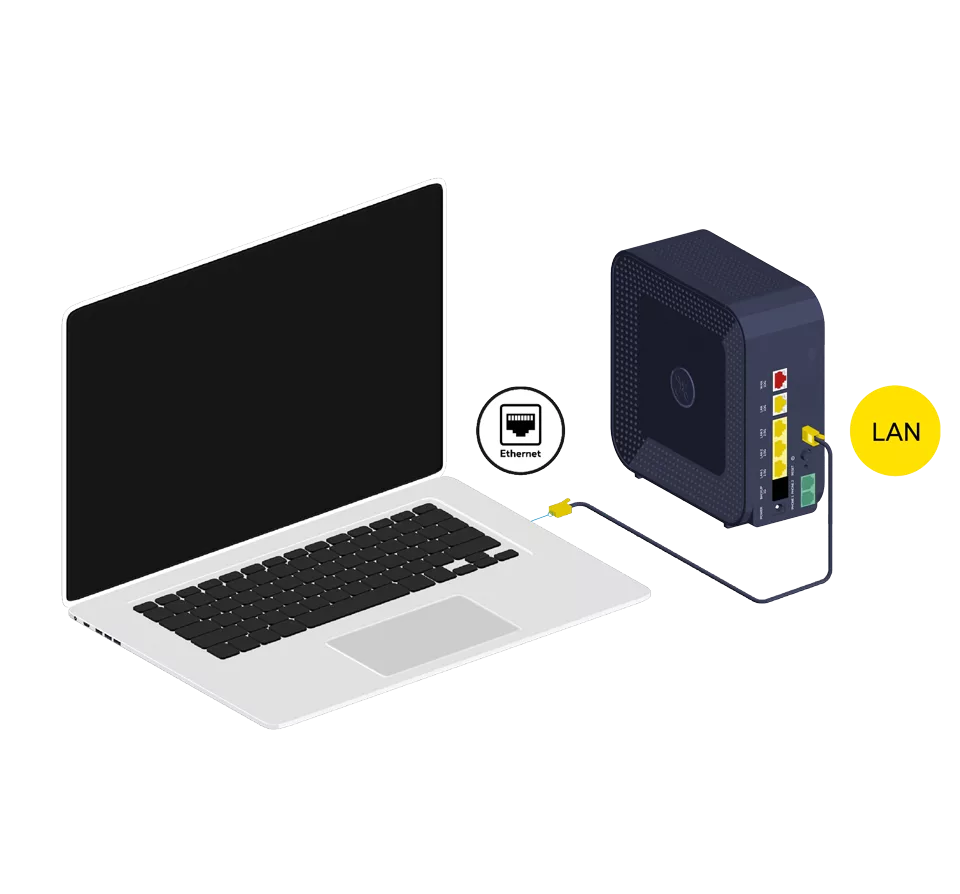
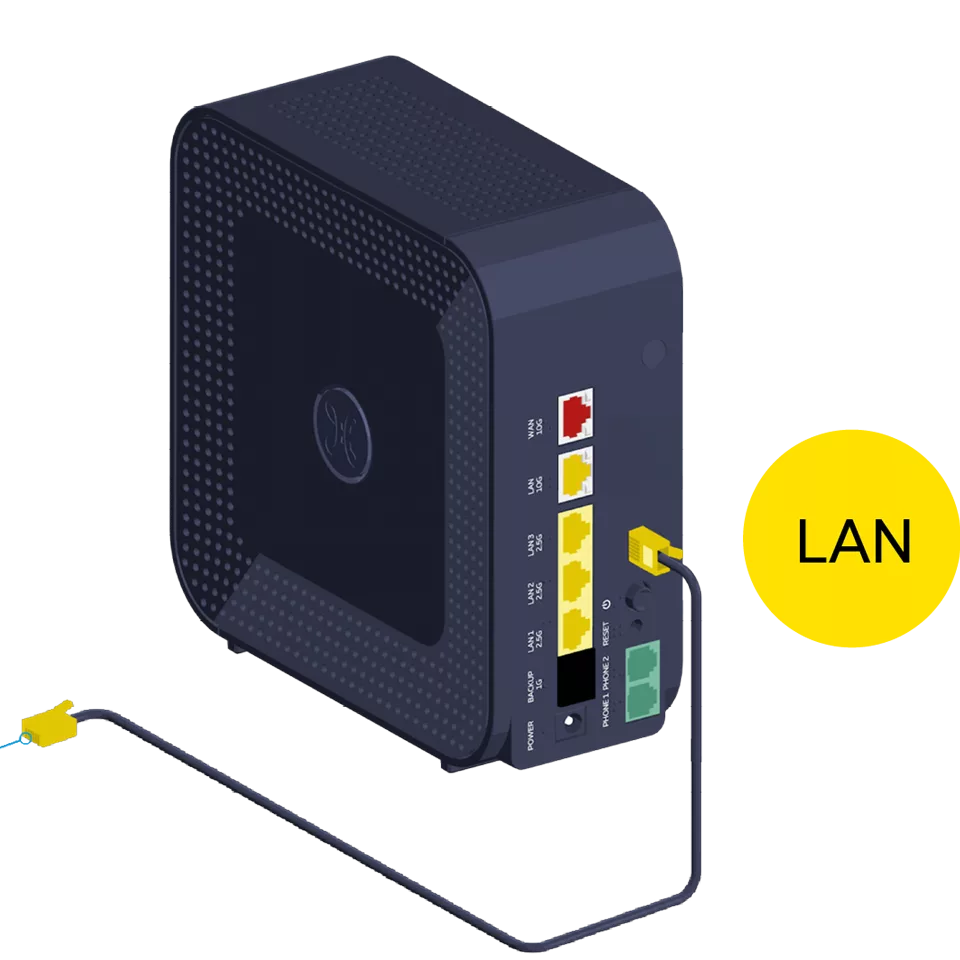
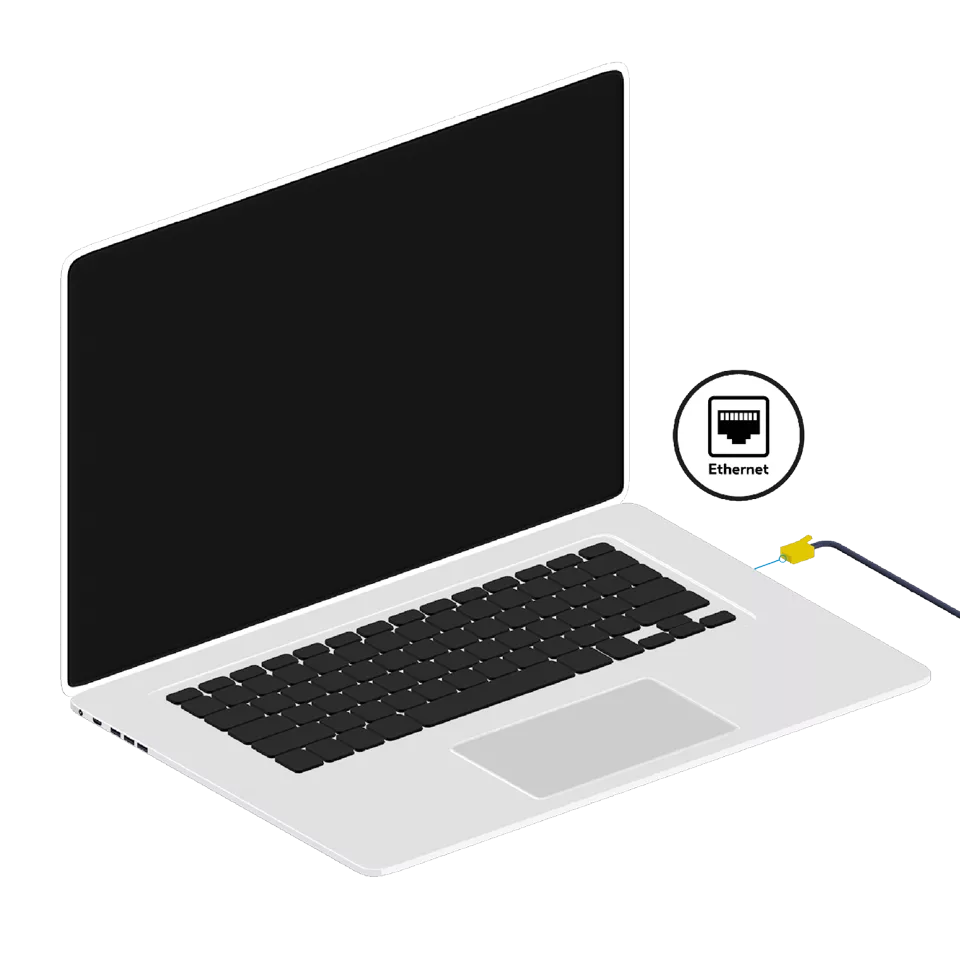
Use the Ethernet cable and connect it to one of the yellow LAN 1, 2 or 3 ports on the back of the Internet Box+ and start up your computer. You are free to use the 10G LAN port to connect devices that support speeds higher than 1 Giga.
Test the Internet connection
Open your Internet browser and enter a web address. If the web page appears, the connection is active.

There you go – you’re all set to enjoy the Internet!