View all guides
Logging in to the Internet via the b-box 3V+
Installation GuideBefore you begin
Select the type of connection you require.
Check the connection
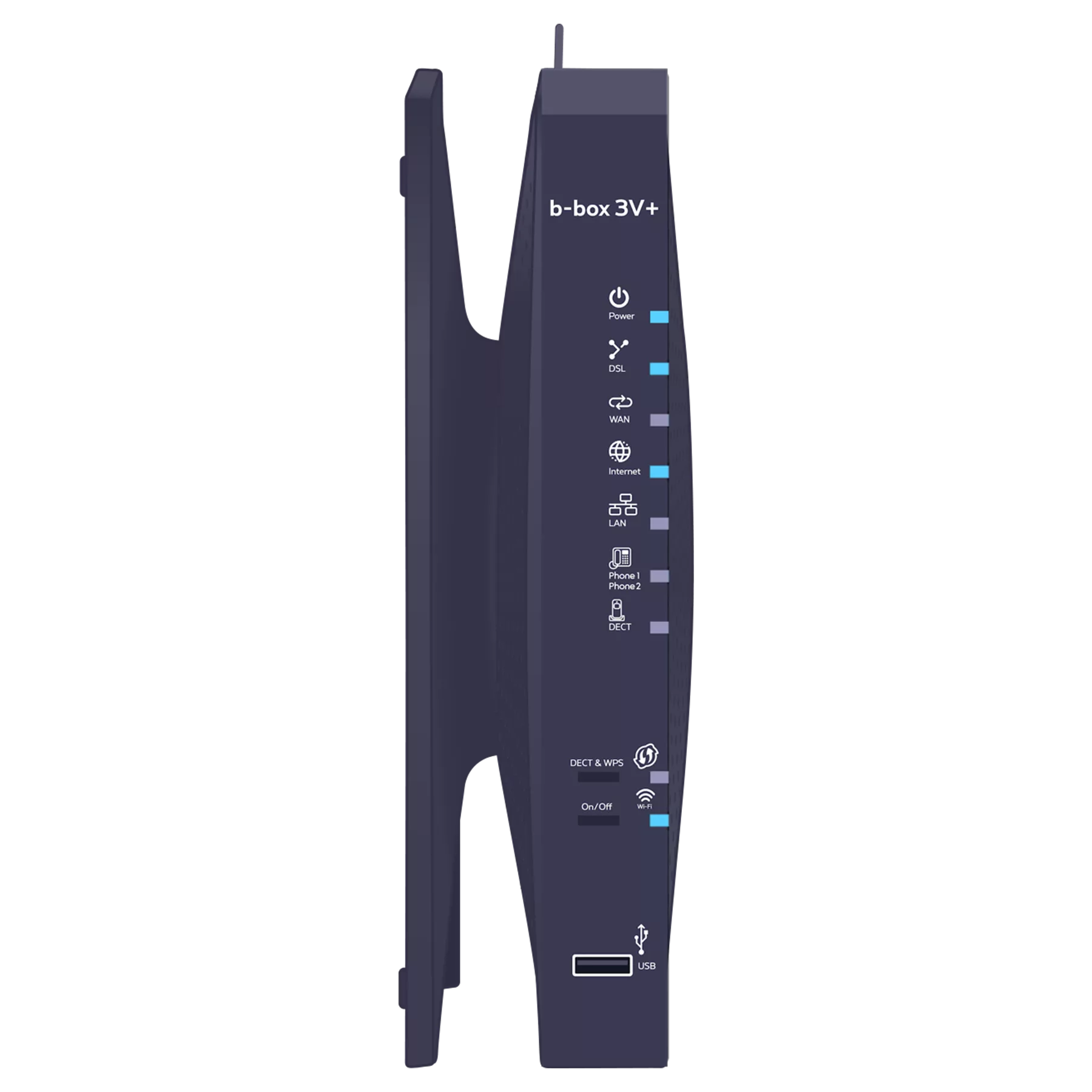
Check that the internet indicator light is turned on. This means that your connection details (username and password) have been automatically configured on your b-box. You will therefore no longer need to enter them later to access the internet.
-
Unplug and then plug the b-box’s power cable back in. Wait for about 20 minutes.
Connecting a computer to the b-box
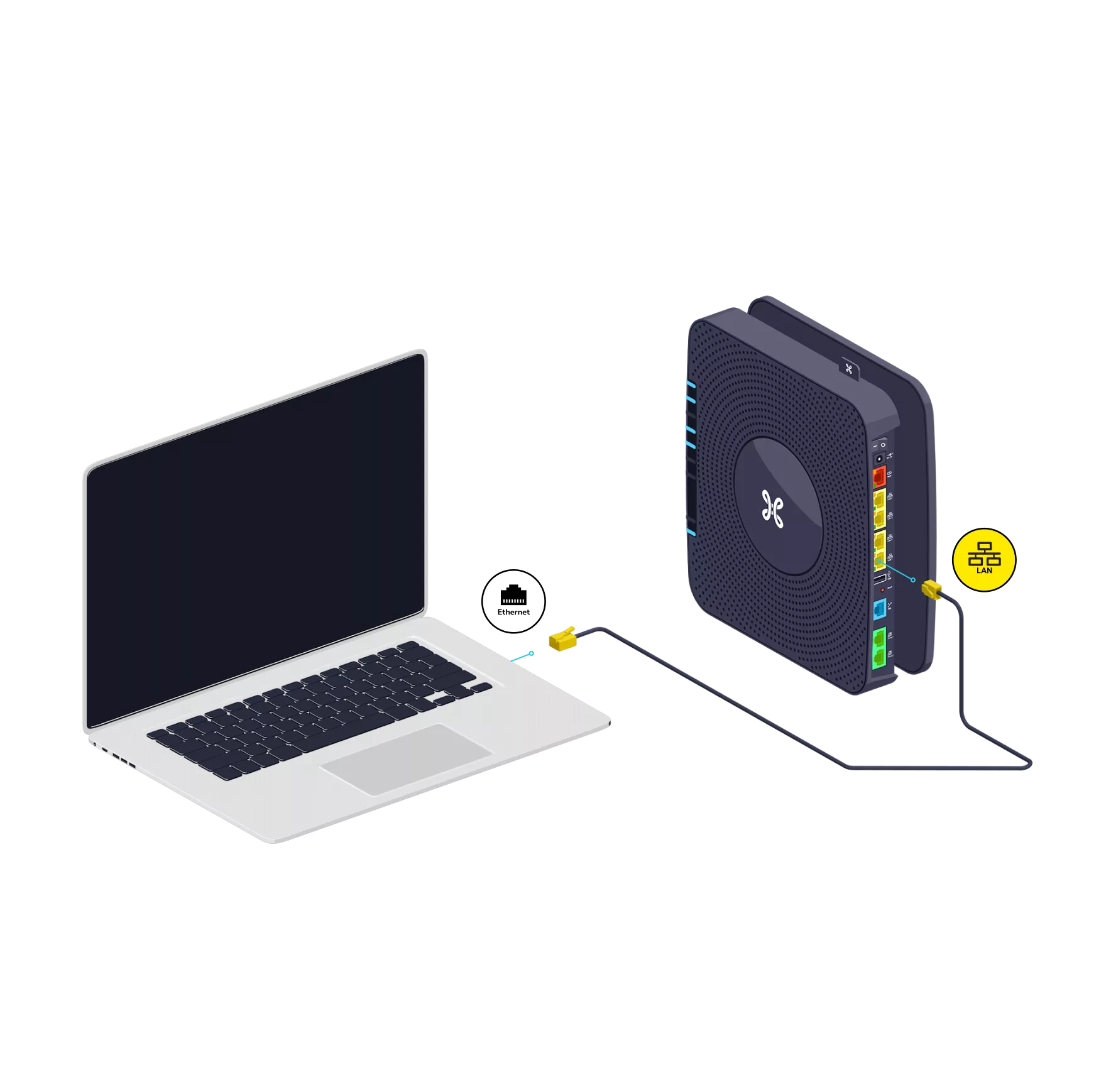
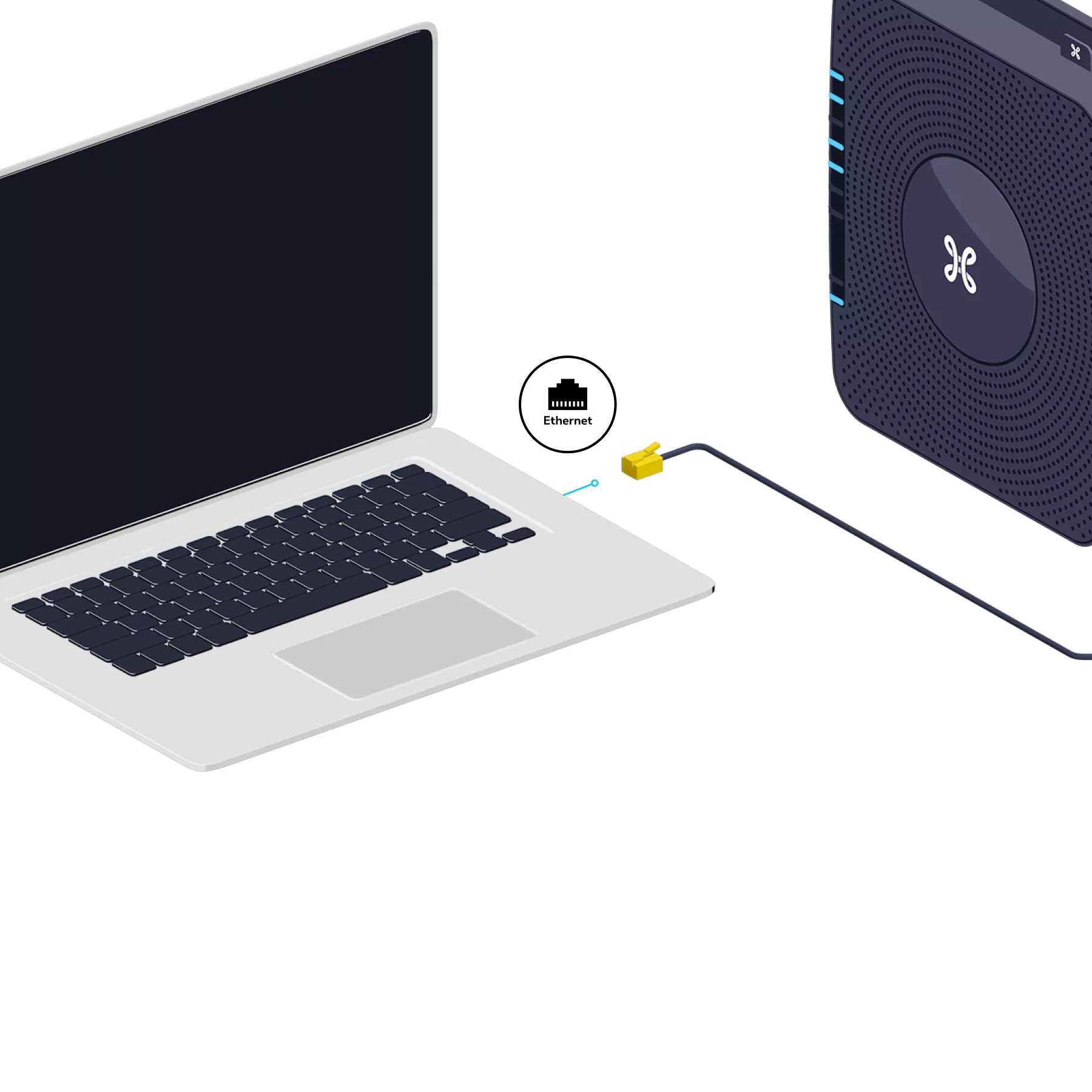
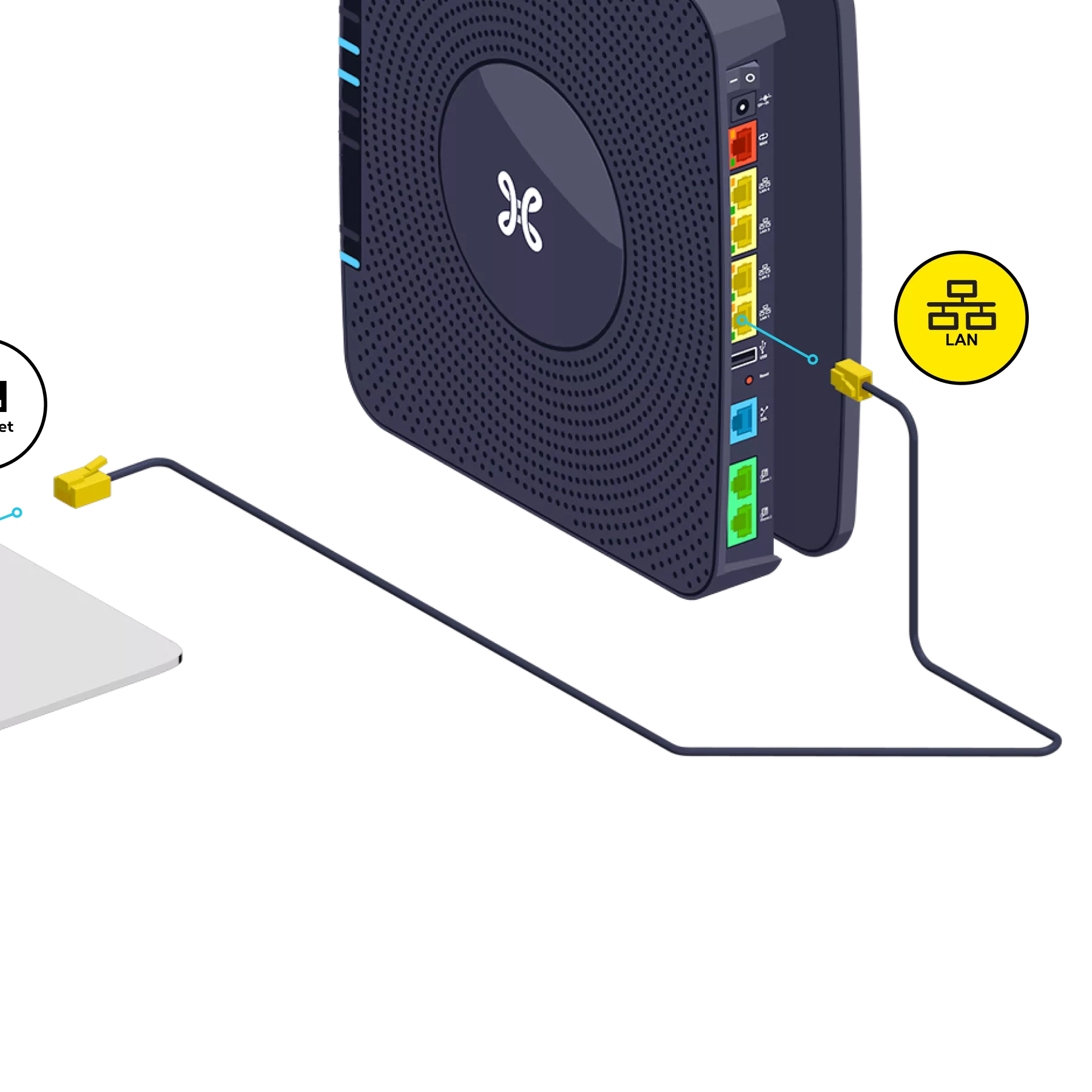
Use the Ethernet cable and connect it to one of the yellow LAN ports on the back of the b-box, then switch on your computer.

Test the Internet connection
Open your Internet browser and enter a web address. If the web page appears, the connection is activated.

There you go – you can now enjoy the Internet!