View all guides
Logging in to the Internet via the b-box 3
Installation GuideBefore you begin
Select the type of connection you require.
Check the connection
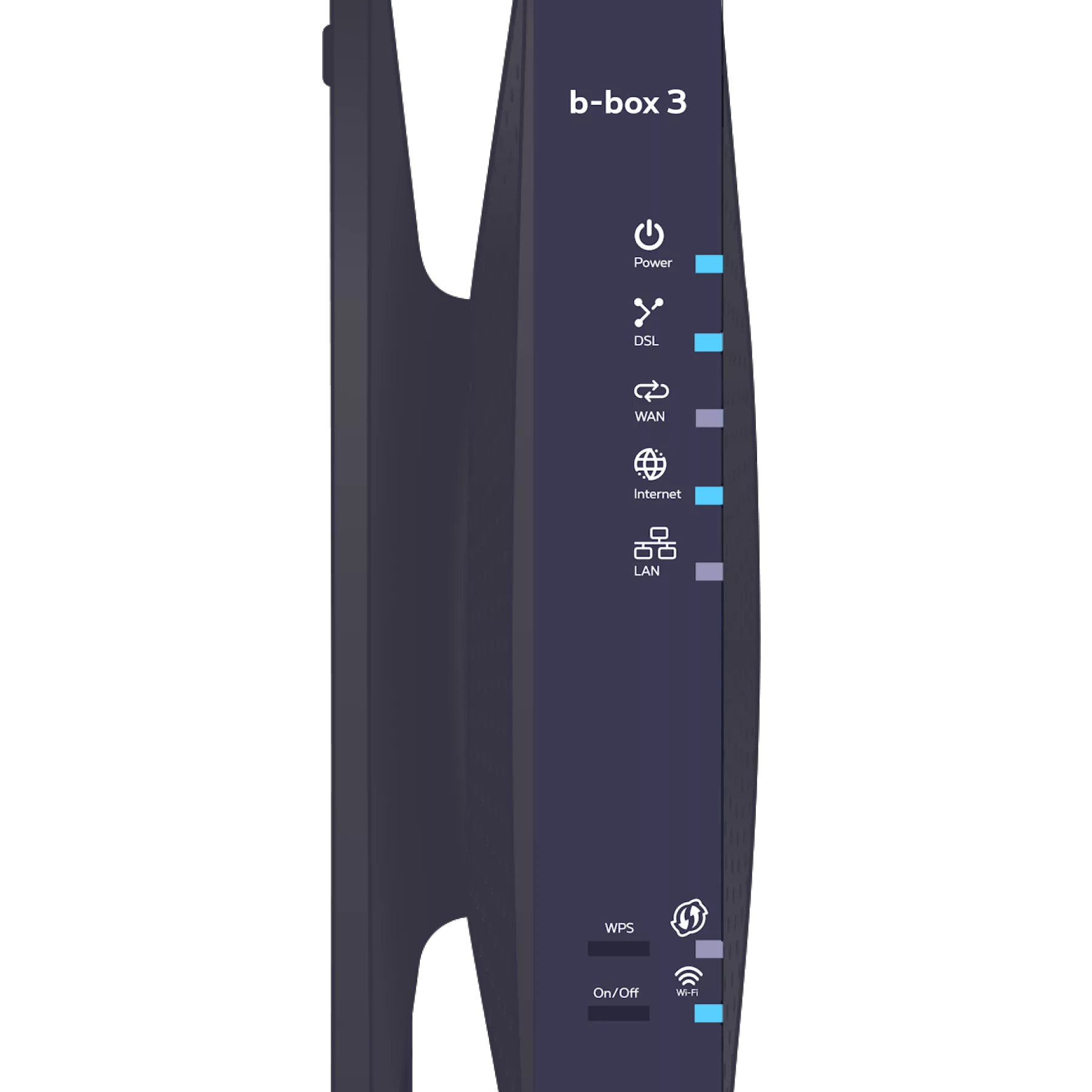
Check that the internet
indicator light is turned on on your b-box. This means that your connection details (username and password) have been automatically configured on your b-box. You will therefore no longer need to enter them later to access the internet.
indicator light is turned on on your b-box. This means that your connection details (username and password) have been automatically configured on your b-box. You will therefore no longer need to enter them later to access the internet.
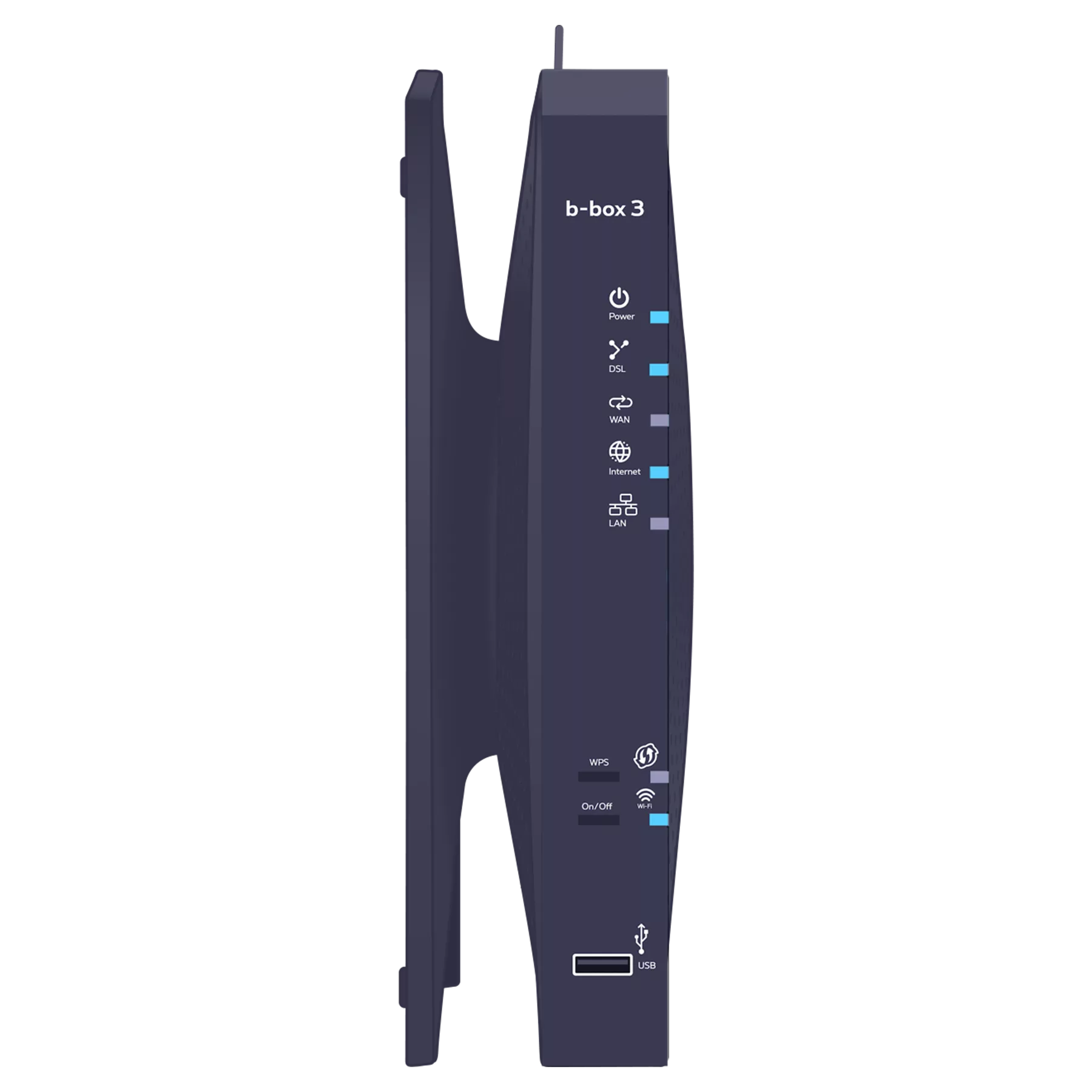
-
Unplug and then plug the b-box’s power cable back in. Wait for about 20 minutes.
Connecting a computer to the b-box
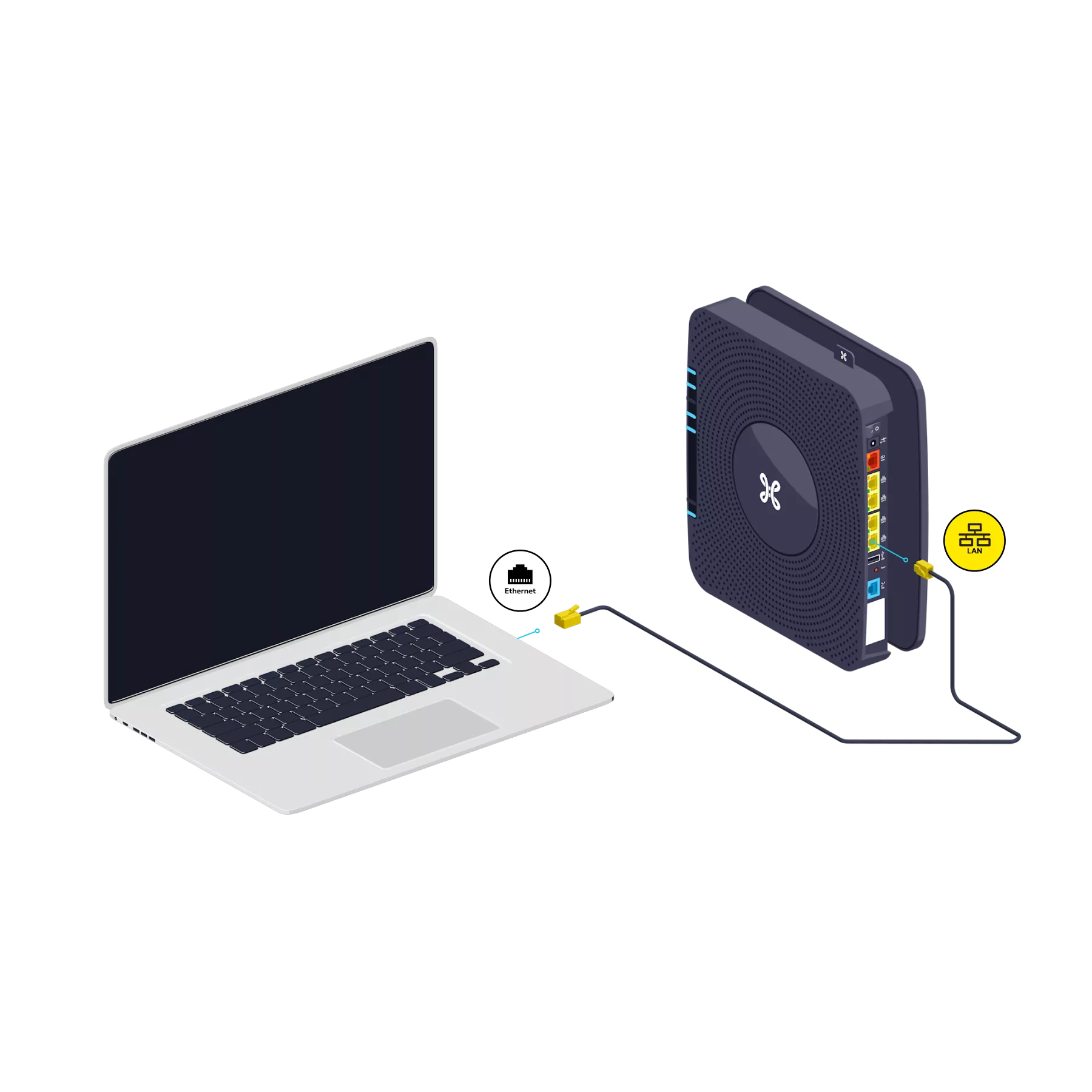
Use the Ethernet cable and connect it to one of the yellow LAN ports on the back of the b-box, then switch on your computer.
Test the Internet connection
Open your Internet browser and enter a web address. If the web page appears, the connection is active.

There you go – you can now enjoy the Internet!