You can activate Netflix as soon as you receive the confirmation of your order by email or SMS.
There are 2 ways to activate Netflix: via MyProximus or through your TV.
- Via MyProximus: log in to your MyProximus account, click on "Manage your Netflix account," and follow the instructions.
- On the TV, depending on the TV Box:
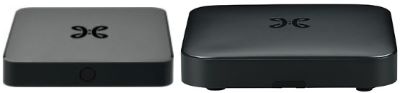
Android TV Box: go to channel 57 and follow the instructions.
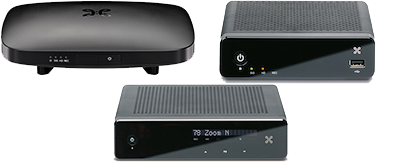
Other TV Box: activation is not possible. Activate Netflix via MyProximus or switch to a new TV Box for free.
If you already have a Netflix account, use the same login to keep your viewing history.